7 Taboola Ads Integrations That Save Hours Every Week

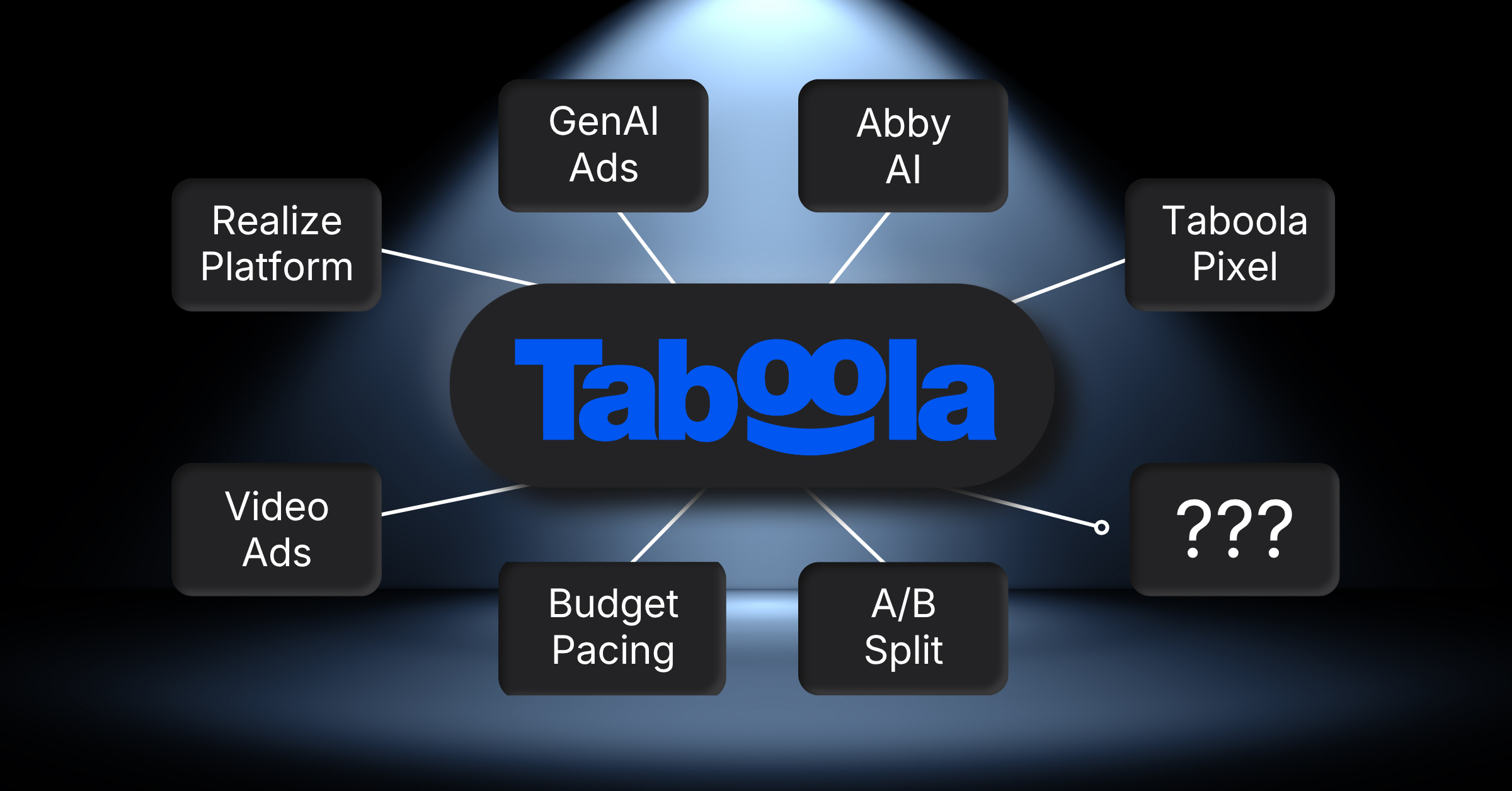
Taboola Ads integrations connect your Realize campaign data to the store, site, and reporting tools your team already runs, covering conversion tracking, content widgets, and automated reporting across seven live connections. Each one has documentation behind it, so pick the two that touch your weekly routine first. That’s where the hours come back fastest, once tracking and reporting stop needing manual work.
Why trust our Taboola Ads guidance:
Our 28 specialists have delivered 180 campaigns from launch through scaling. We’ve also built 90 marketing automations, most of them wiring ad accounts into stores and dashboards. That is where these picks come from.
Need help with Taboola Ads integrations?
Get in touch and we’ll map which connections belong in your stack before anything gets installed. Our Taboola Ads management team handles the setup, the tracking checks, and the reporting that follows.
What Are Taboola Ads Integrations, and Why Do They Matter?
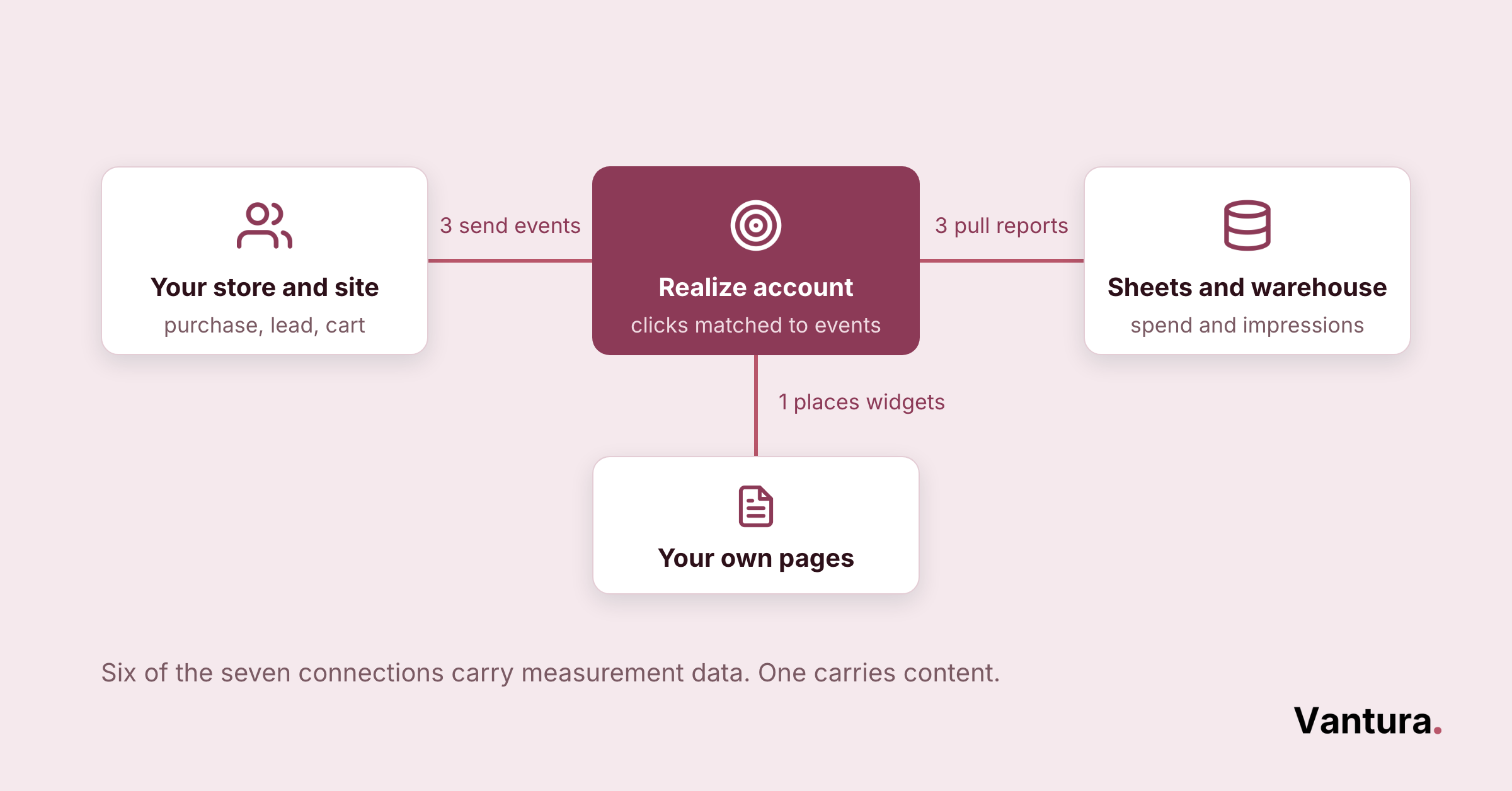
A Taboola Ads integration is a connection that moves data between your Taboola account and another tool you already use. It keeps conversions, content, and spend numbers in sync without anyone copying them by hand.
Taboola runs its self-serve ads through Realize. Taboola calls it the performance platform for advertisers who want to grow past search and social. Every connection on this page hangs off that same account.
They matter because ad reporting is where small manual jobs quietly pile up. One missing pixel means a month of conversions nobody can prove.
Worth knowing: an integration is only as good as the event behind it. If your Taboola pixel fires on a thank-you page some buyers never reach, every connected report inherits that gap. No dashboard will tell you it happened.
Why Do Taboola Ads Integrations Pay for Themselves?
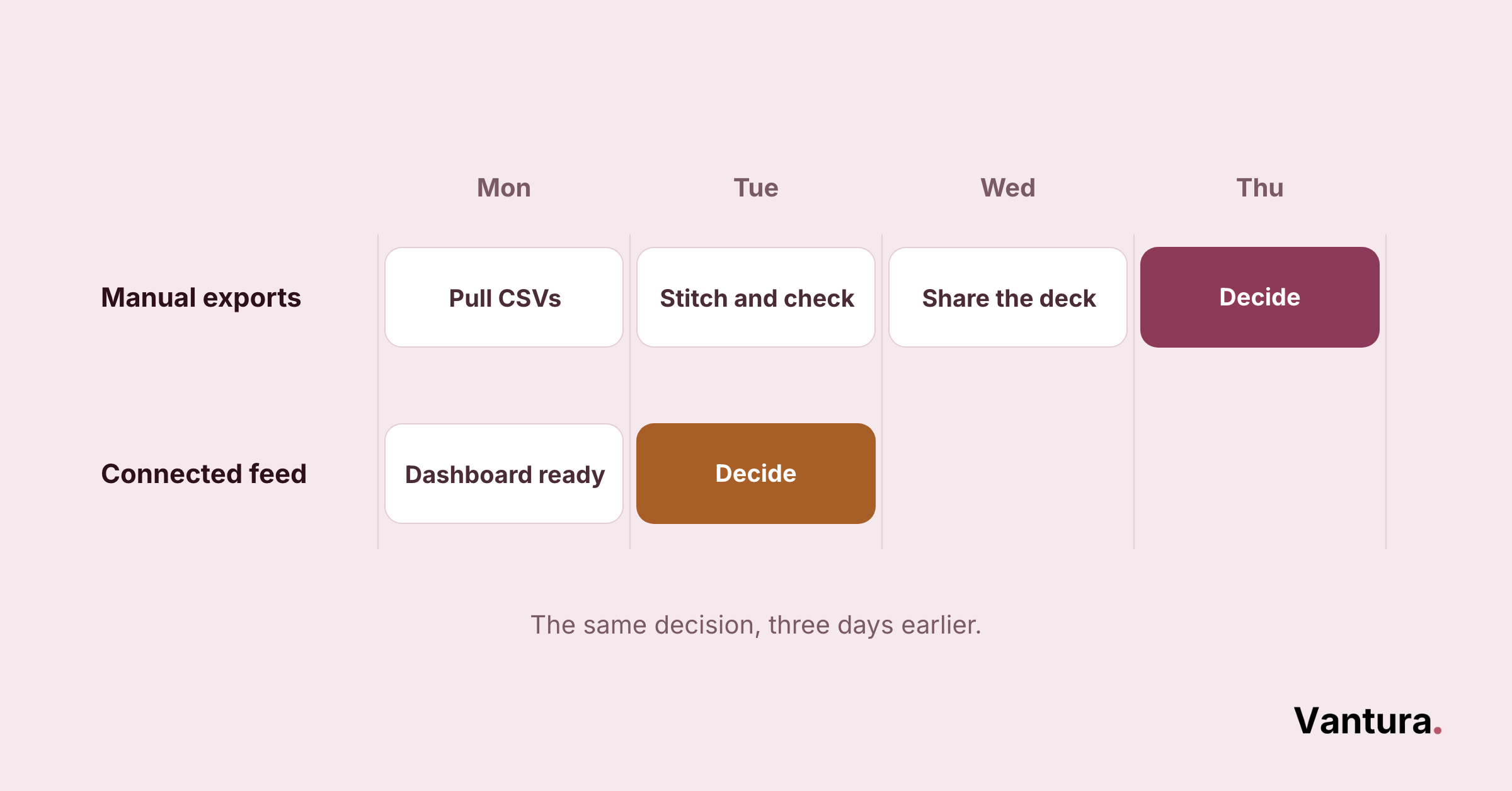
They pay for themselves in two ways. They remove repeat work, and they make integrated marketing programs measurable in the first place. Both effects show up inside a month or two.
The reporting side is the bigger prize. In our experience, accounts running three or more connected channels see stronger order rates than single-channel campaigns.
The efficiency gain shows up outside our own client base too. API-driven integrations in native advertising software raise workflow efficiency by 46 percent, according to Market Growth Reports. That is a concrete case for wiring Taboola in through an API or a maintained connector rather than exporting campaign data by hand.
You cannot run three coordinated channels off manual exports. Across our client accounts, we’ve seen roughly 2 to 3 hours a week come back per account once these connections are live.
- Weekly reporting: no more CSV pulls stitched into a shared deck.
- Conversion checks: tracking breaks surface in hours, not at month end.
- Budget moves: spend decisions use yesterday’s numbers instead of last week’s.
What Types of Taboola Ads Integrations Exist?
Three types cover almost everything. Native connections are built by Taboola or a named partner, and they need no code.
API connections are custom builds against Taboola’s own endpoints. iPaaS tools sit in the middle and pass events between apps you already pay for.
Which one you pick is mostly a staffing question. If nobody on the team writes code, start with native, then iPaaS. Bring in Taboola Ads consulting only when neither one reaches far enough.
| Integration Type | How the Connection Works | Best Suited To | Main Limitation |
|---|---|---|---|
| Native | Installed from an app store or plugin directory, then authorized with your Taboola login | Teams with no developer on hand | Covers only what the vendor chose to build |
| API | Direct calls to Taboola endpoints, written and maintained by your own engineers | Product-led teams with custom data | Someone has to own it when an endpoint changes |
| iPaaS | A middle layer catches an event in one app and forwards it to Taboola | Ops teams stitching several tools together | Adds a monthly bill and one more place to debug |
Top Taboola Ads Integrations by Team and Use Case
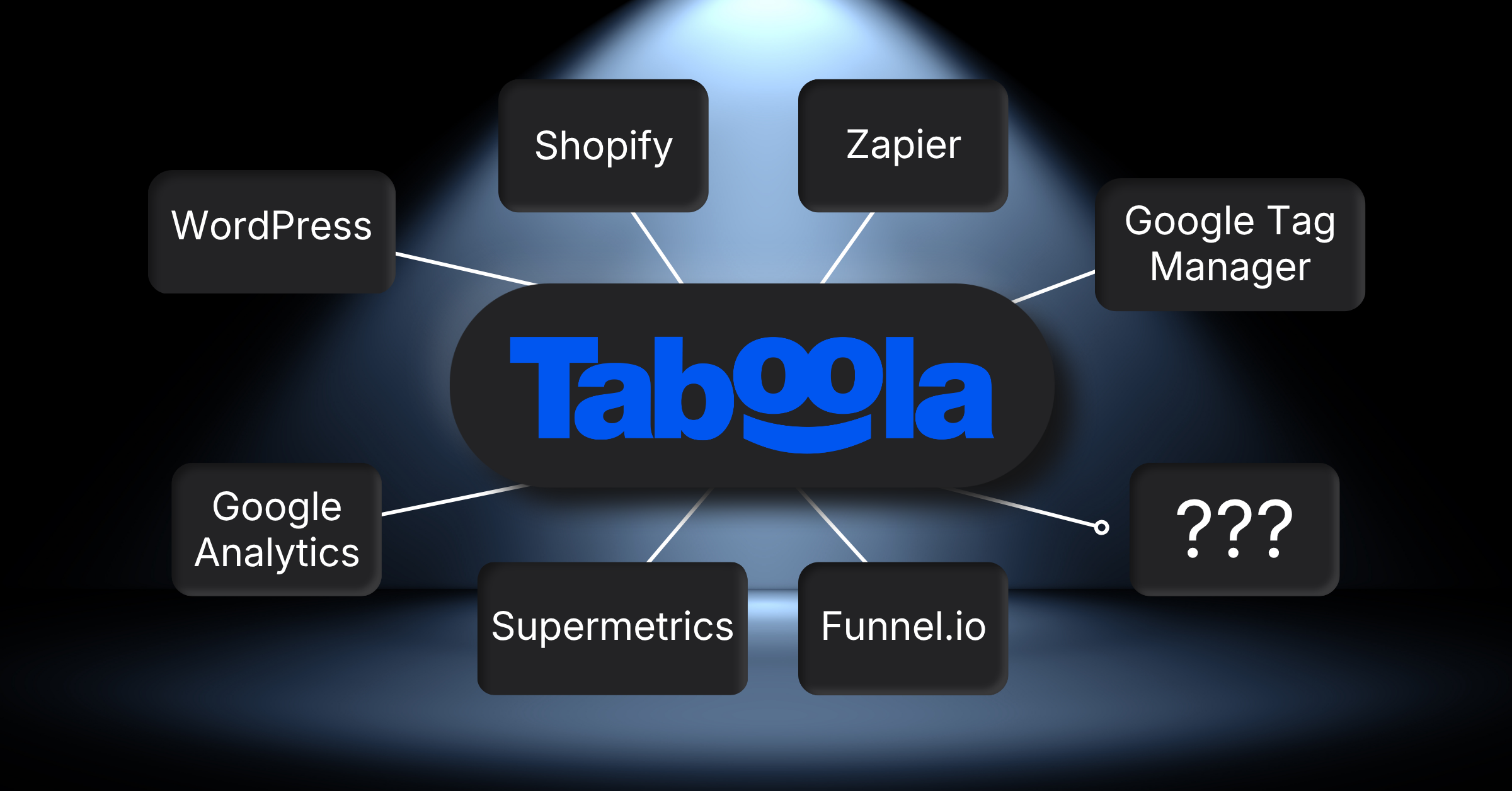
Here is the full set of seven, mapped to the team that usually owns each one. The detail sits in the three sections below.
Read the table as a shortlist, not a ranking. We’re an independent agency. No vendor holds a stake in us, so we name niche, industry-specific tools as readily as the big connectors.
| Integration | What It Connects | Team It Serves | Setup Effort |
|---|---|---|---|
| Shopify Taboola Pixel app | Store purchases and add-to-cart events into Taboola | Revenue | Low |
| Zapier via Tracklution | Events captured in Zapier into Taboola, server-side | Revenue | Low |
| Google Tag Manager | The Taboola base pixel and event pixels onto any non-Shopify site | Marketing | Medium |
| WordPress plugin | Taboola recommendation widgets onto a WordPress site | Marketing | Medium |
| Google Analytics | Taboola page views into GA for side-by-side comparison | Finance and ops | Medium |
| Supermetrics | Taboola reporting into Sheets, BigQuery, Looker Studio and more | Finance and ops | Low |
| Funnel.io | Taboola impressions, clicks and spend into one reporting layer | Finance and ops | Low |
Which Taboola Ads Integrations Do Revenue Teams Rely On?
Revenue teams care about one thing here: does a purchase get credited back to the click that caused it? Both connections below exist for that. We usually set them up alongside Taboola ecommerce campaigns rather than after them.
1) Shopify, for Stores That Want Purchase Tracking in an Afternoon
Taboola publishes its own Taboola Pixel app on the Shopify App Store. It installs the pixel and tracks conversions such as purchases and add-to-cart events.
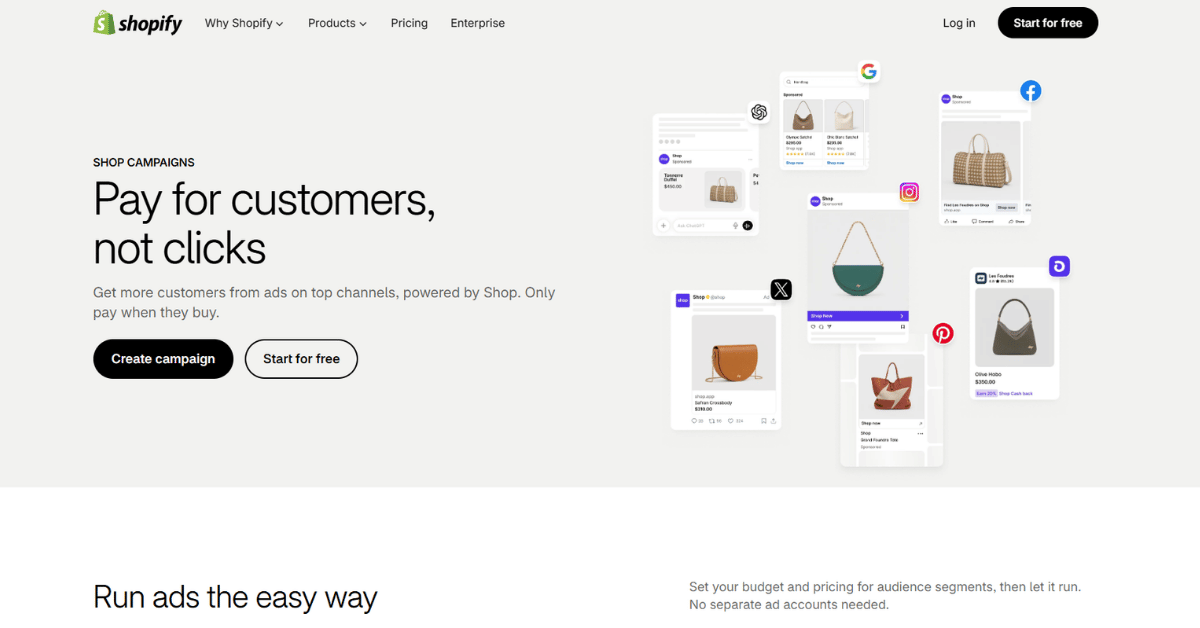
Setup runs to three steps. You log in with a Realize account, accept the account connection, then confirm tracking with the Test Tool built into Realize.
The app is free. It asks for permission to read customer device and activity data, store owner information, and browsing behavior. It also asks to edit your web pixels and Online Store scripts, so read that list before you approve it.
How to Read Its App Store Score
One caveat is worth knowing. The listing shows 5.0 out of 5 from only 4 reviews, so treat that as a small sample rather than a verdict on the app.
2) Zapier, for Server-Side Conversions Without Code
Taboola does not publish its own app in Zapier’s directory. What exists is a third-party route through Tracklution, a Helsinki company certified as a Meta and Google partner.
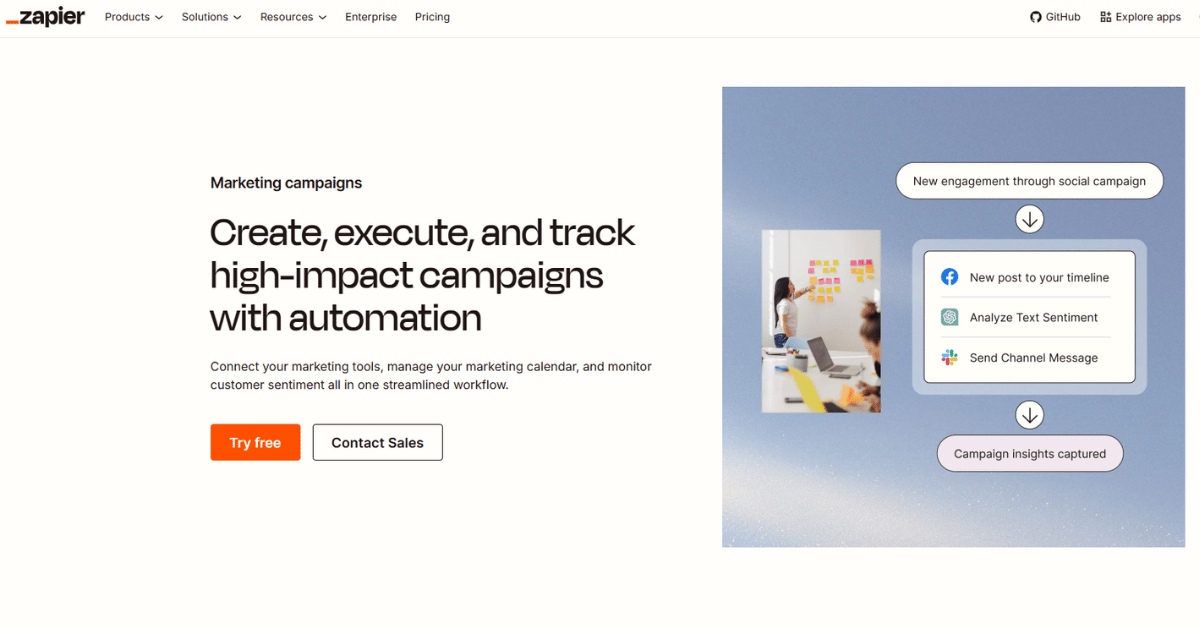
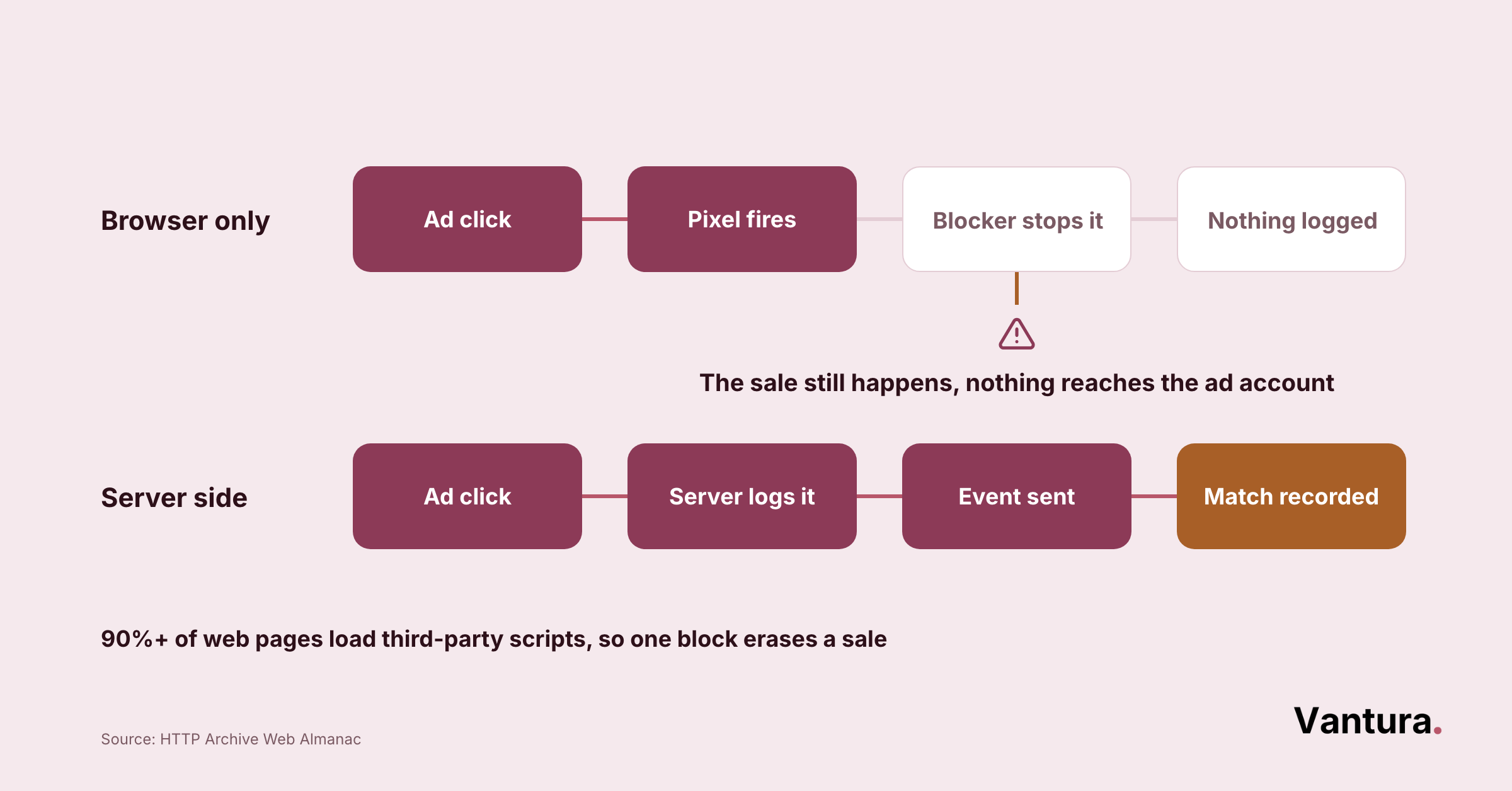
It captures conversion events in Zapier and forwards them to Taboola’s servers as first-party data. The point is to recover conversions that ad blockers and iOS tracking limits would otherwise hide.
Pricing here is Tracklution’s, not Taboola’s. There’s a 14-day free trial with no card required, and paid plans start at 31 euros a month after that.
When the Extra Tool Earns Its Keep
Across our projects, browser-only tracking undercounts Taboola conversions by roughly 20 to 30 percent. That gap grows once a decent share of traffic runs on Safari. If your monthly spend is small, it may not justify another subscription yet.
Which Taboola Ads Integrations Work Best for Marketing Teams?
Marketing owns the two connections that touch the site itself. One puts tracking on it, and the other puts Taboola content on it.
3) Google Tag Manager, the Route Taboola Recommends
Taboola’s GTM setup docs name it as the recommended method for installing the Taboola pixel on any site that is not Shopify. That recommendation is worth following.
You need a GTM account, your container ID, and the Taboola Pixel template from the Tag Template gallery. Install the base pixel, publish the container, then add event pixels for conversions and metrics such as ROAS.
One rule surprises people. The GTM guide is for non-Shopify sites, so Shopify merchants use the dedicated app instead. We apply that same principle to Snapchat Ads tracking, whenever a native app already exists.
The Container ID Nobody Checks
In maybe half the accounts we inherit, the pixel is live in a container nobody publishes any more. Check the container ID against the one your site actually loads before you debug anything else.
4) WordPress, for Publisher-Side Revenue
This one runs the other direction. Taboola’s WordPress plugin places recommendation widgets on your site so you earn from sponsored content rather than spend on it.
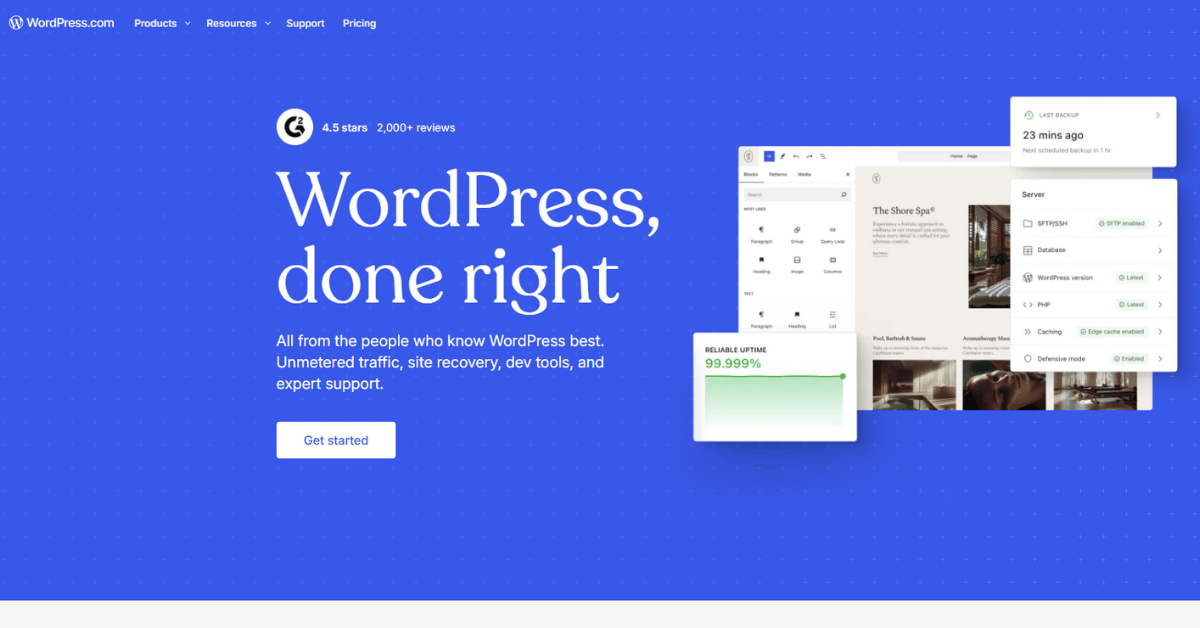
Supported placements include below-article, mid-article, category and archive pages, the homepage feed, and a right-rail unit. Below-article can add an optional read-more link, and mid-article drops in at a paragraph you choose. The widget loads asynchronously, so it does not block page load.
Two limits are worth planning around. The right-rail unit is set up separately through WordPress widgets. GDPR or CCPA compliance is on you, for EU and California visitors.
What You Need Before You Install It
You need an active Taboola publisher account plus a Taboola-issued Publisher ID, the mode and widget IDs, and your placement names. Extra placement units beyond the standard set need a conversation with your Taboola Account Manager.
What Are the Best Taboola Ads Integrations for Finance and Ops?
Finance and ops want Taboola numbers sitting beside every other channel, in a warehouse or a sheet, on a schedule. Three connections do that job.
5) Google Analytics, for Page-View Reconciliation
Taboola’s docs describe sending custom GA events after the Taboola flush command, or inside placement scripts. That lets you compare page-view counts across both tools. It works through the standard JS tag, GTM, Google Ad Manager, or AMP pages.
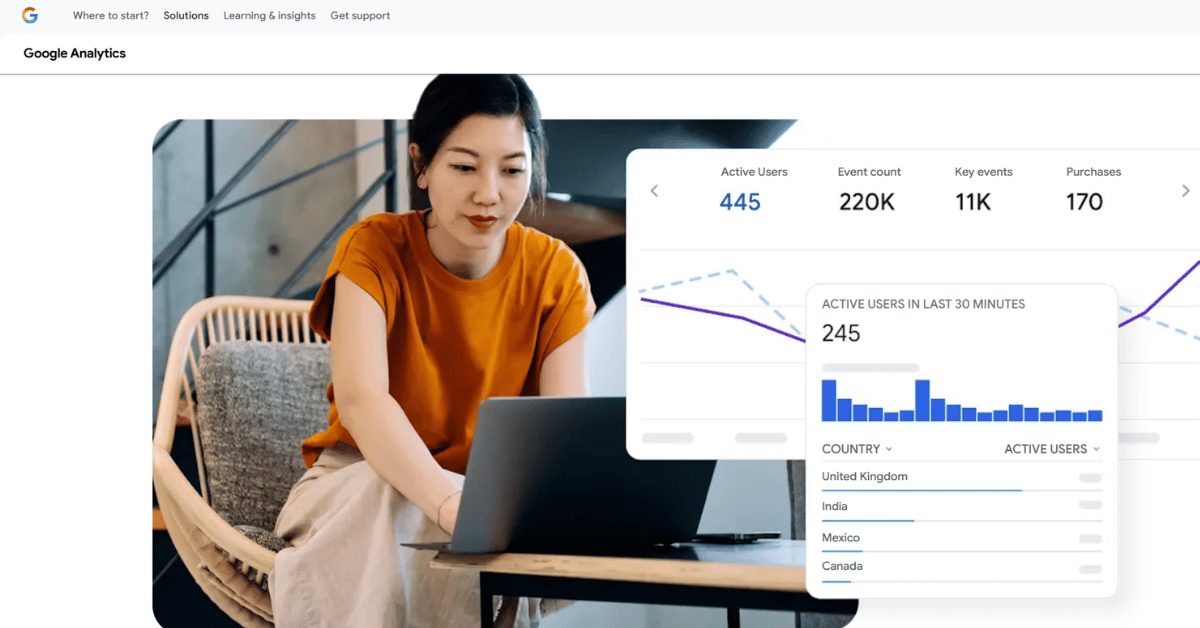
Expect the two numbers to disagree, because they measure different moments. Taboola counts a page view when its first placement is added to the page, not when the page loads.
6) Supermetrics, for Sheets and Warehouses
Supermetrics runs an official Taboola connector, and Taboola announced the partnership itself. It exports to Google Sheets, Excel, Power BI, BigQuery, Looker Studio, Snowflake, Redshift, and Azure.
One requirement catches teams mid-setup. The Taboola account you connect with needs at least the Account manager role, so a read-only seat will not authorize it.
Available data covers campaign summaries by day, campaign, site, country, platform and audience, plus publisher revenue and visit analytics. That is more than a monthly report needs, which is rather the point.
7) Funnel.io, for One Reporting Foundation
Funnel’s Taboola connector pulls impressions, clicks, and spend into a single reporting layer. You connect with Taboola login credentials, pick the account, and Funnel fetches through the Taboola API in minutes.
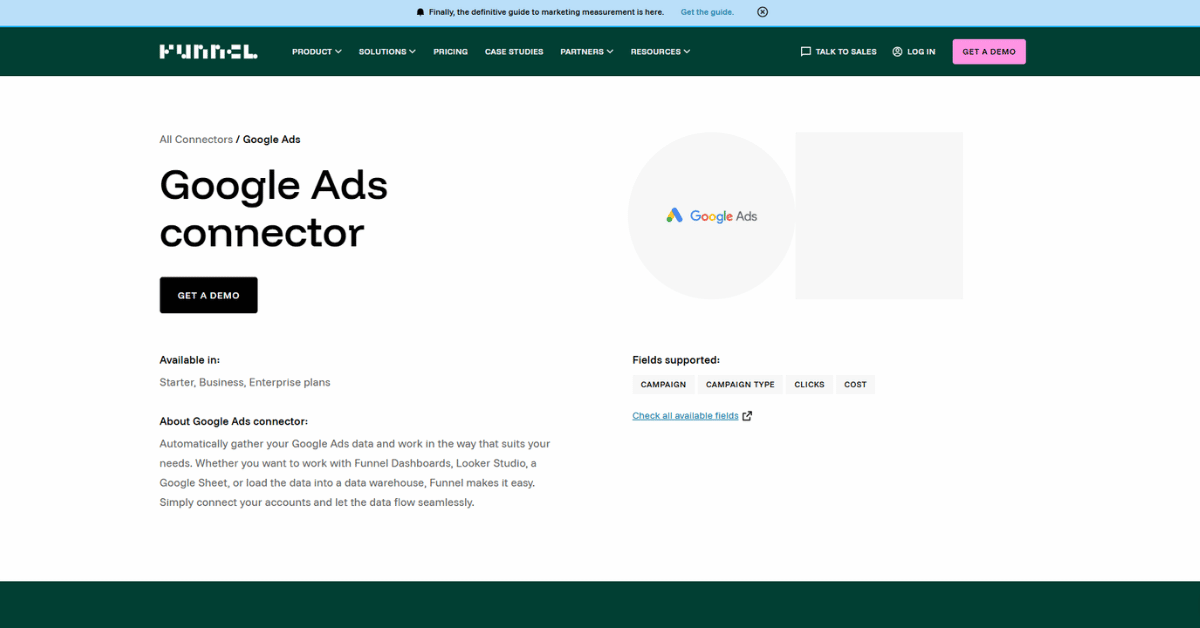
Two details shape whether it fits. The connector is available only on Funnel’s Business and Enterprise plans, and by default it backfills about two years of history.
Video campaigns report separately from other campaign types, which surprises people the first time a total does not add up. We hit the same thing while rebuilding Pinterest Ads reporting for a client last spring.
Rule of thumb: pick one reporting connector, not two. We’ve watched teams run Supermetrics and Funnel side by side for months. They lose a quarter arguing over which spend figure is right. Usually the real gap is one video campaign, counted in one tool and not the other.
Native vs Third-Party Taboola Ads Integrations
The split matters more than it looks. Native means Taboola or a formal partner built and maintains the connection, and third-party means somebody else did.
Neither one wins by default. What changes is who you call when it breaks, and how long a fix takes to arrive.
- Built or co-signed by Taboola, so the documentation lives on Taboola’s own developer site and support runs back through Taboola.
- Shopify Taboola Pixel app, WordPress plugin, GTM tag template
- Free to install, with no separate subscription
- Breaks less often after a change on Taboola’s side
- Covers only what Taboola chose to build
- Built by another company against Taboola’s API, which is how the gaps get filled. Support and billing both sit with that company.
- Tracklution for Zapier, Supermetrics, Funnel.io
- Paid, usually monthly, on top of your ad spend
- Often reaches further than the native option does
- A Taboola API change can break it first
How Do You Set Up a Taboola Ads Integration, Step by Step?
The order matters more than the tool does. All seven follow the same five steps, and skipping the fourth one is how bad data reaches a report.
Budget an afternoon for the first connection and about an hour for each one after it. In our experience the first proper tracking review runs 6 to 9 hours across the opening month.
Most of that time goes on events that were never firing. If you’d rather not spend it in-house, Taboola Ads agency support covers the audit and the fixes together.
Before you publish: never test a conversion tag with your own repeat purchase. Ad blockers, a logged-in admin session, and cached scripts all change what fires. Use a clean browser profile and a real checkout instead.
How Much Do Taboola Ads Integrations Cost?
Most of them cost nothing. Taboola bills for clicks or impressions rather than a monthly license, so the native connections ride along with your ad spend.
The paid ones are the reporting and server-side tools, and they bill you directly. That is the line to watch when you plan small business marketing budgets around a modest test campaign.
| Integration | What You Pay | Billed By |
|---|---|---|
| Shopify Taboola Pixel app | Free | Nobody |
| WordPress plugin | Free | Nobody |
| Google Tag Manager | Free | Nobody |
| Google Analytics | Free | Nobody |
| Tracklution for Zapier | 14-day free trial, then plans from 31 euros a month | Tracklution |
| Supermetrics | Paid, with no figure published on the connector page | Supermetrics |
| Funnel.io | Business and Enterprise plans only, pricing on request | Funnel.io |
Taboola itself publishes no public rate card, so advertisers request a quote directly. Its own model is cost per click for conversion campaigns and cost per mille for brand awareness campaigns.
Budget note: the cheapest connector is rarely the cheapest outcome. A free pixel that undercounts conversions pushes you to raise bids on campaigns that were already working. That mistake costs more in one month than a reporting subscription costs in a year.
Taboola Ads Integration Security and Data Governance
Every connection here asks for access to something, and most teams approve the request without reading it. Two minutes of reading now saves a compliance conversation later.
The Shopify app is the clearest example. It requests customer device and activity data, store owner information, and browsing behavior. It also asks to edit your web pixels and Online Store scripts.
- Grant the smallest Taboola role that still works, which is Account manager for Supermetrics
- Handle GDPR and CCPA consent yourself, since the WordPress plugin leaves that to you
- Keep server-side tools such as Tracklution under a named owner, because they hold first-party data
- Review who can publish your GTM container at least twice a year
None of this is exotic. It is the same access hygiene we apply on enterprise marketing governance work, scaled down to a team of four.
Access check: the riskiest permission is rarely the data one. It is the ability to edit scripts on your storefront. That access outlives the campaign, the agency, and usually the person who approved it.
What Are the Most Common Taboola Ads Integration Errors?
Four problems account for most of the tickets we see, and the same four turn up when we run Reddit Ads tracking checks. Three of them are documented by Taboola, which means they are expected rather than broken.
Error #1: Taboola and Google Analytics Report Different Page Views
This gap is by design. Taboola counts a page view when its first placement is added to the page. GA counts on load instead, so GA usually reports the higher number.
Give it time before you compare anything. Taboola data can take up to 8 hours to populate, and Taboola suggests waiting 48 hours before lining the two up.
Error #2: Placements Do Not Render Inside SafeFrame
Placements served through SafeFrame can fail to track or render at all. If a unit is blank on one template and fine on another, check the ad server setup before you touch any code.
Error #3: The GTM Pixel Fights the Shopify App
Running both is the fastest route to double-counted purchases. Taboola’s guidance is explicit, so Shopify stores use the app and everyone else uses GTM.
Error #4: The Right-Rail Widget Never Appears
The right-rail unit is not configured in the main plugin settings. It is set up separately through WordPress widgets, and it also depends on your theme supporting that placement.
When Should You Build a Custom Taboola Ads Integration?
Rarely, and later than most teams think. Build only when native and third-party options cannot reach the data you need. Also build only when someone will still own the code a year from now.
We used to suggest a custom API build whenever reporting felt awkward. After watching two clients inherit an unmaintained script when their developer left, we now push people to exhaust the paid connectors first.
Three Signs a Custom Build Is Justified
- Your conversion event lives in a system with no Zapier or iPaaS presence
- You need Taboola data joined to internal records the connectors cannot see
- You already run an engineering team that owns other API integrations
What It Costs You After Launch
The build is the cheap part. Endpoint changes, token rotation, and error handling are the recurring cost. They land on whoever sits closest, which is usually the wrong person.
If that person does not exist, we see the same trade-off run through Snapchat Ads agency builds too, where nobody owns the token refresh after launch. So is accepting a connector that covers 80 percent of what you wanted.
How Do You Audit and Monitor Your Taboola Ads Integrations?
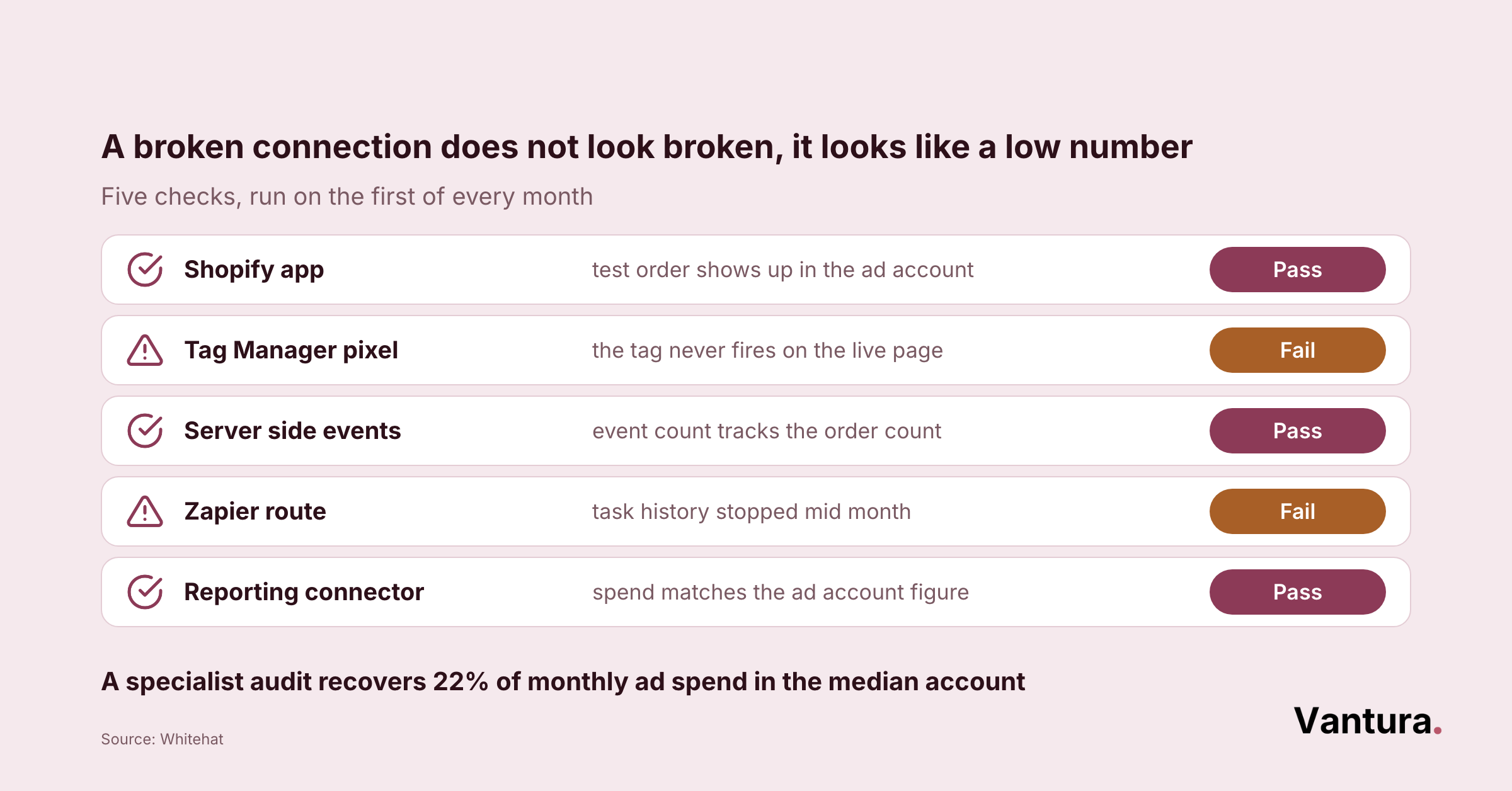
Check them on a schedule rather than when a number looks odd. A monthly pass over four things catches nearly everything before it reaches a report.
- Fire one live test conversion and confirm it lands in Realize
- Compare Taboola spend against your reporting tool for the same date range
- Confirm every connected account still has an owner who works here
- Read the change log for any tool that shipped an update this month
Write the result down, even when nothing changed. In our experience, teams that log their monthly checks catch a broken pixel far faster than teams that rely on memory, and most never write anything down at all.
A quarterly version of the same pass is what a Pinterest Ads agency engagement covers in more depth. Either way, the discipline matters more than the tooling.
Where Are Taboola Ads Integrations Heading Next?
Toward server-side by default, a shift we’re already seeing show up in Reddit Ads agency planning too. Browser tracking keeps losing signal, and the tools that survive send events from a server rather than a page.
Taboola’s own direction backs this up. Realize leans on first-party publisher signals and Matchmaking AI targeting. Both work better when the conversion data reaching them is complete.
The practical read is simple. Get the pixel clean now, because every AI bidding feature you get offered next depends on the events you feed it.
Bottom line: the connection teams skip is usually the reporting one, and it is the one that changes decisions. Tracking tells you what happened. A warehouse connector lets you act on it, without waiting for someone to rebuild the sheet.
Taboola Ads Integrations FAQ
Disclaimer: This post is for general information only and is not professional, legal, or financial advice. Product details, pricing, permissions, and features change without notice, so verify current information with each vendor before you act on it. Vantura Marketing accepts no liability for decisions made on the basis of this content.