Taboola Ads Troubleshooting: Common Errors & Issues

Taboola Ads troubleshooting means matching each error to its real cause, whether that’s a rejected creative, a frozen account, or a broken pixel. Advertisers hit most of these in the first weeks on Realize, while creatives are still in review and tracking is only half wired. Read the status label first, fix the exact reason it names, then resubmit once instead of rebuilding the campaign.
Why trust us on Taboola Ads:
Our 28 specialists have delivered 180+ campaigns from launch through full scaling. Most of these errors have already crossed our desks. We keep eyes on live accounts around the clock, including weekends, and none of this is theory.
Need help with Taboola Ads errors?
If rejections and frozen budgets keep repeating, our Taboola Ads management team can take the account apart and rebuild what keeps breaking. Get in touch and we’ll start with the errors costing you the most.
Why Do Taboola Ads Errors Happen in the First Place?
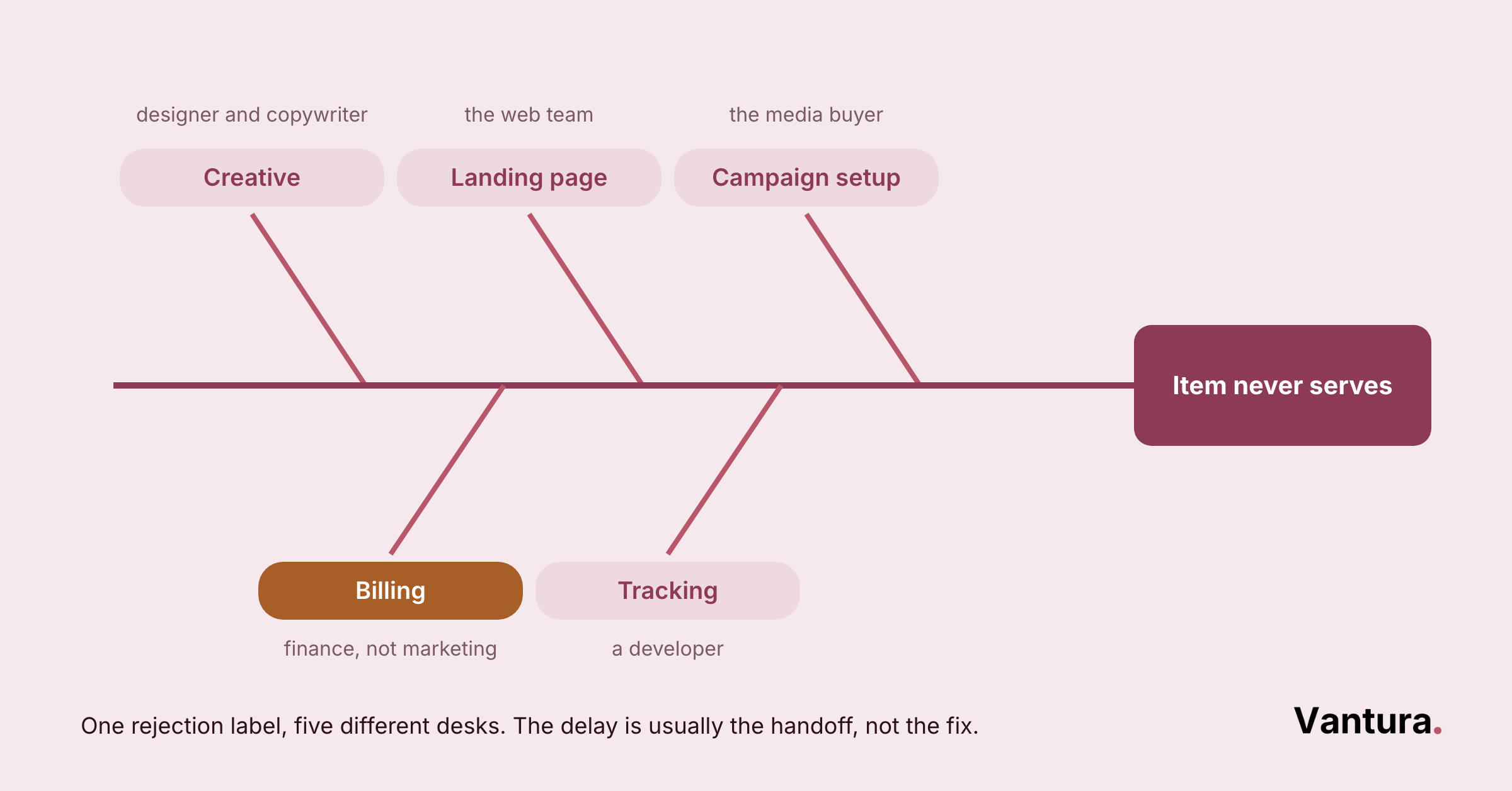
Most Taboola Ads errors come from one of three places. Something in the ad breaks a content policy, something in billing stops the account, or something in tracking never fires.
The platform does name the cause, but the label is short and easy to misread. Here’s what actually sits behind those labels.
- Reason #1: The thumbnail, title, or landing page fails the campaign safety level.
- Reason #2: The creative doesn’t match the content on the landing page.
- Reason #3: The title makes an exaggerated or unrealistic claim.
- Reason #4: Grammar or language differs between the ad and the page.
- Reason #5: The account has no funds or credit left, so it freezes.
- Reason #6: A card payment fails and billing stops delivery.
- Reason #7: The campaign has no items in inventory, or the URL is broken.
- Reason #8: The pixel is missing, duplicated, or loading too slowly.
Reading that list in order saves a lot of guessing. When several reasons stack up in one account, a paid media audit usually finds the shared root. Often it’s one landing page failing on grammar and claims at the same time.
Which Taboola Ads Issues Come Up Most Often?
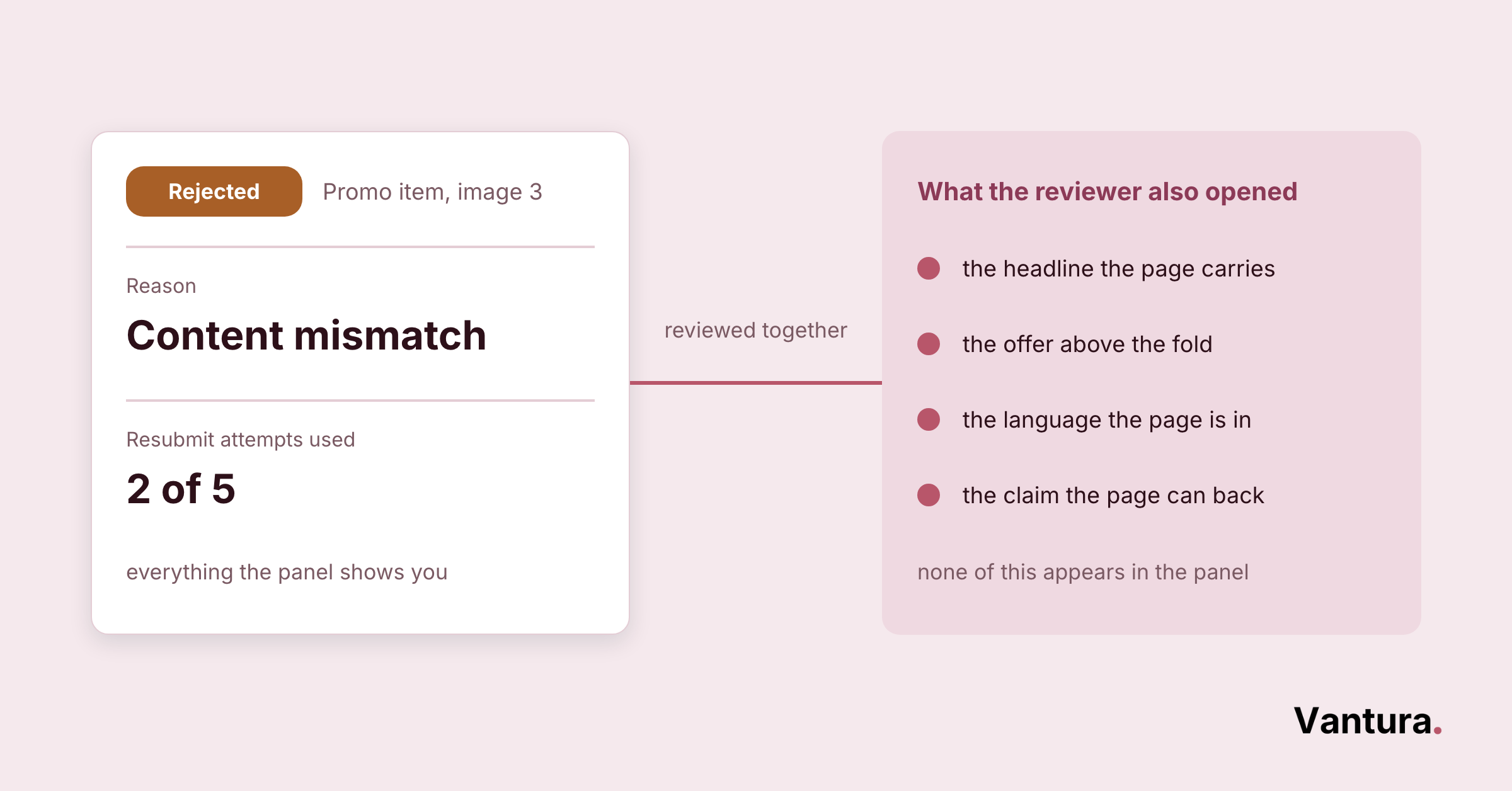
Five issues account for nearly everything advertisers write to us about. Each one shows a different signal in the account, and each one has a fix that takes minutes rather than a rebuild.
Rejected Creatives That Never Reach the Network
A rejected item never serves, and the reason sits on the campaign item itself. Realize groups the causes into documented rejection categories covering safety alignment, content mismatch, intellectual property, image quality, claims, grammar, and setup.
Most rejections we see are boring rather than mysterious. The thumbnail promises something the landing page doesn’t deliver, or the headline oversells a number that the page never backs up.
How to Clear a Rejection
- Open the campaign and read the exact rejection reason.
- Check the flagged element first, image, title, or page.
- Scan for a second violation, since only the top offense is listed.
- Rewrite or replace that element, not the whole campaign.
- Resubmit and watch the status move back to Pending.
If the same policy keeps catching your ads, the problem is usually the offer rather than the wording. That’s the point where Taboola Ads consulting tends to pay for itself.
A Frozen Account That Stops Every Campaign
A frozen account looks alive and behaves dead. Realize freezes for three reasons, and all three trace back to billing. That means no funds or credit, a failed card collection, or a manual freeze such as payment delinquency.
You can still create and edit campaigns while the account is frozen. They simply won’t go live on the network until the billing issue clears.
How to Unfreeze the Account
- Add funds, or wait for the credit limit to reset on the first of the month.
- Ask your bank why the card was declined.
- Remove the card, add it again, and allow up to 24 hours to reprocess.
- Switch to a different card if the same one fails twice.
- Email support for a manual freeze, which nobody can lift from the interface.
The Pixel Fires Late, Twice, or Not at All
Conversion numbers that look wrong are usually a tracking problem, not a campaign problem. The Taboola Pixel Helper, a Chrome extension, scans the page and names the fault for you.
Five faults cover almost all of it: no pixel found, invalid account ID, pixel found but nothing fired, pixel activated multiple times, and pixel loading slowly. The tool flags that last one when the page view event takes three seconds or more.
How to Repair Pixel Tracking
- Install the Pixel Helper and load a real funnel page.
- Confirm the base pixel sits on every page in the funnel.
- Check the account ID belongs to the account tracking conversions.
- Close and reopen the tab, then retest in an incognito window.
- Watch the network traffic in Chrome DevTools when nothing fires.
- Ask a developer to confirm the trigger fires once per event.
- Move the base code as high in the head as possible when it loads slowly.
Duplicate firing is the one that quietly ruins reporting. We see it most on trial signups and multi step checkouts. That’s why marketing for SaaS companies starts with a tracking audit rather than a media plan.
Campaigns Stuck in Learning, Depleted, or Disabled
Some campaigns aren’t broken at all. Running (Learning) means the algorithm is still analyzing user behavior, and Running (Scaling) means it has enough data to optimize delivery more efficiently.
The stalls that matter carry their own labels. Depleted means the budget is gone, and Expired means the end date passed. Disabled means an item can’t run even while the campaign still reads Running.
How to Restart Delivery
- Read the campaign status before touching bids.
- Reset the budget when the status reads Depleted.
- Extend the end date on anything marked Expired.
- Drop to the ad level when the campaign says Running but nothing serves.
Across our projects, roughly a third of “delivery stopped” tickets turn out to be a monthly budget cap nobody remembered setting. Retail accounts hit this most, so ecommerce digital marketing calendars are worth checking against pacing before anyone changes a bid.
Resubmissions That Run Out of Attempts
Each ad can be resubmitted a maximum of five times. After the fifth failed attempt you have to create a new ad, and the history starts over.
That limit punishes guessing hard. Two blind resubmissions on a landing page rejection burn almost half your attempts before you’ve learned anything.
How to Handle the Five Attempt Limit
- Fix everything you can find before the first resubmission.
- Use the Resubmit button on landing page rejections.
- Let other violation types go back into review automatically.
- Build a fresh ad once the fifth attempt fails.
Taboola Ads Error Codes and Status Messages by Category
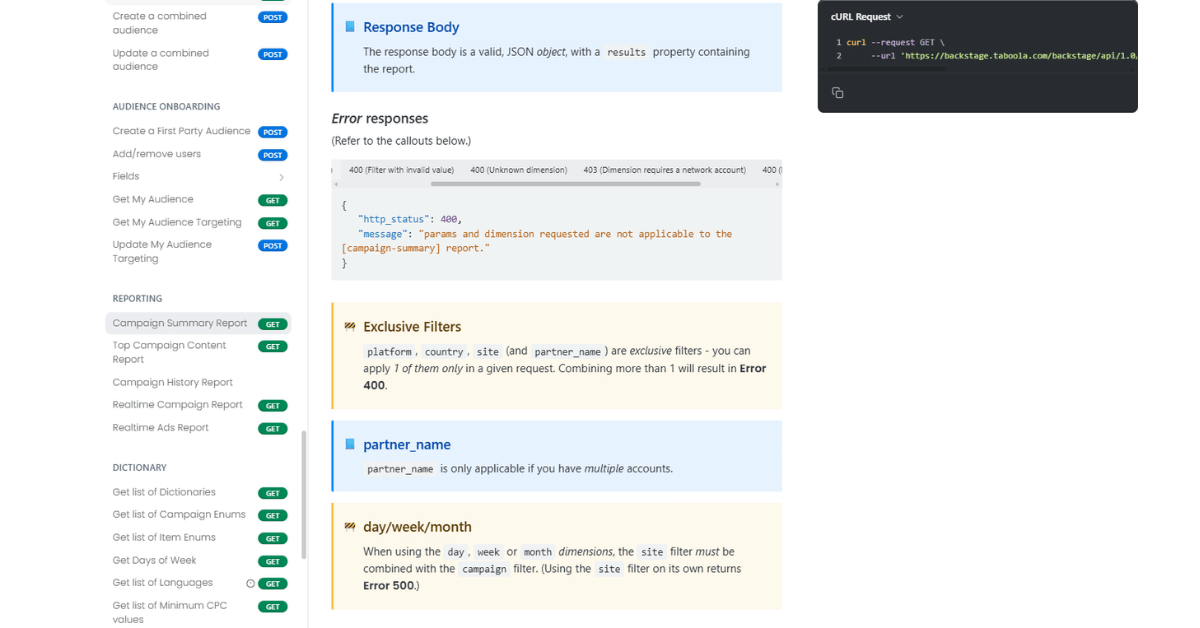
Taboola doesn’t use numeric error codes for most advertiser problems. It uses status labels and named rejection reasons, grouped below so you can look one up mid campaign.
Campaign Status Labels
Campaign status is the first thing to read, because it tells you whether the problem is review, budget, schedule, or billing. Regulated advertisers see Pending far longer than everyone else, which is normal rather than a fault.
We plan longer review windows into every healthcare digital marketing launch for exactly that reason.
| Status | What It Means | What to Do |
|---|---|---|
| Pending | Under review by the content review team for compliance | Wait, then check for a rejection reason |
| Pending Start Date | Waiting for its scheduled launch date | Confirm the start date is what you intended |
| Running | Live and running on the network | Nothing, unless ad level status says otherwise |
| Running (Learning) | Algorithm is analyzing user behavior | Leave the settings alone while it stabilizes |
| Running (Scaling) | Enough data collected to optimize delivery | Review pacing and budget headroom |
| Paused | Temporarily halted, not delivering | Resume when you’re ready |
| Depleted | All allocated budget consumed | Raise or reset the budget |
| Depleted for Current Month | Monthly budget exhausted | Adjust the monthly cap or wait |
| Expired | End date has passed | Extend or relaunch the campaign |
| Frozen | Inactive because of billing problems | Clear the billing issue first |
| Disabled | Can’t run even though the campaign shows Running | Inspect the individual items |
| Rejected | Blocked by a policy violation with a stated reason | Fix the named reason and resubmit |
| Deleted | Permanently stopped | Rebuild, since it can’t be reactivated |
Ad Level Rejection Reasons
Ads carry their own four statuses, Pending, Running, Rejected, and Need to Edit. The last one means the title, thumbnail, or destination URL has to change before the ad can serve.
Rejection reasons fall into a handful of families, and the family tells you who has to fix it. Some are a writer’s job, some belong to design, and some are a landing page problem.
| Reason Family | What Triggers It | First Fix |
|---|---|---|
| Safety alignment | Thumbnail, title, description, or page outside the campaign safety level | Match the creative to the safety level you selected |
| Content mismatch | Thumbnail, title, or video not related to the landing page | Rewrite the hook so it describes the page |
| Inappropriate content | Offensive, shocking, or sexual image, title, video, or page | Replace the asset entirely |
| Intellectual property | Rights violation in a thumbnail, video, or landing page | Swap in licensed or original assets |
| Image quality | Low resolution or poor quality thumbnail | Re upload at full resolution |
| Exaggerated claims | Overstated titles, descriptions, or money making promises | Soften the claim and support it on the page |
| Grammar and language | Title errors, or a language mismatch with the page | Proofread both, then align the language |
| Policy compliance | Missing license or disclaimer, unsubstantiated medical claims, restricted products | Add the required proof or drop the region |
| Campaign setup | No items in inventory, or a broken landing page URL | Add items and test every destination URL |
Billing and Tracking Signals
Billing and tracking faults don’t announce themselves as errors. They show up as a quiet stop in delivery or a conversion count that stops making sense.
Realize documents exactly why an account freezes and how to lift each type. Worth mapping those triggers into your digital marketing strategy so finance and media aren’t finding out at the same time.
| Signal | Cause | Fix |
|---|---|---|
| Account frozen, no funds | No balance or credit limit available for campaigns | Add funds, or wait for the monthly credit reset |
| Account frozen, billing error | Payment couldn’t be collected from the card | Contact the bank, or remove and re add the card |
| Account frozen, manual | Payment delinquency or another manual hold | Email support, since the interface can’t lift it |
| Credit limit reached | Spend hit the credit or prepayment ceiling | Make a payment to resume delivery |
| No Pixel Found | Base pixel missing, or container absent on funnel pages | Install the base pixel, then refresh the tab |
| Invalid Account ID | Pixel points at the wrong account | Enter the ID of the account tracking conversions |
| Pixel Found But Nothing Fired | Ad blocker, stale tab, or a broken trigger | Retest in incognito and check DevTools |
| Pixel Activated Multiple Times | Trigger configured to fire more than once | Have a developer limit it to one fire per event |
| Pixel Loading Slowly | Page view event takes three seconds or more | Move the base code high into the head |
How Do You Troubleshoot Taboola Ads Errors Step by Step?
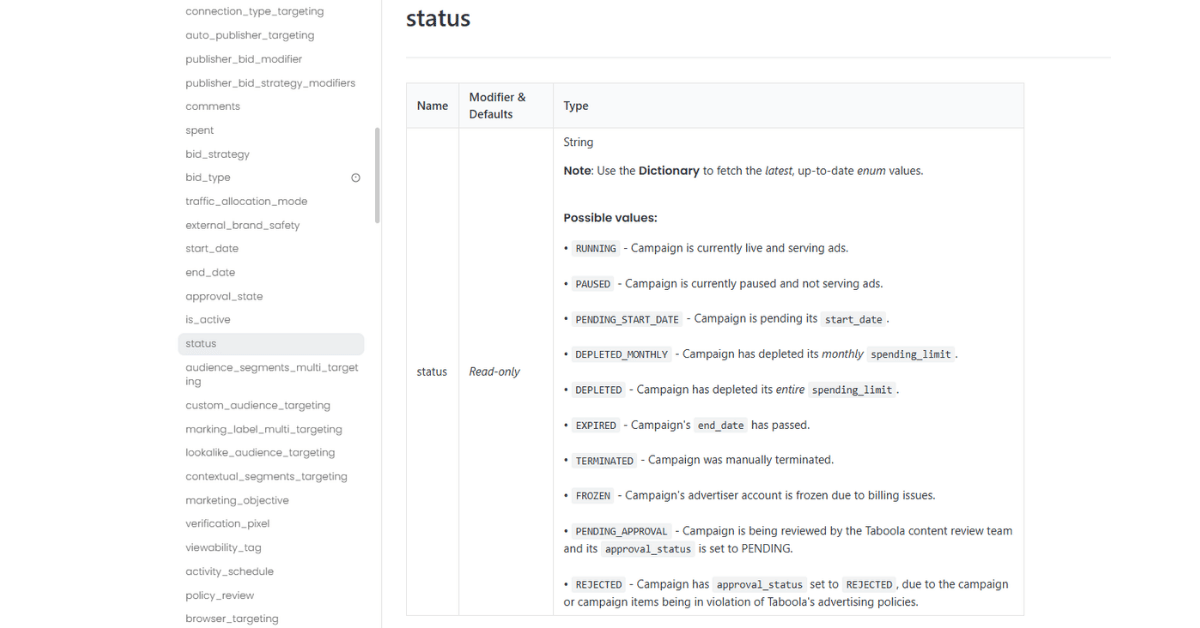
Work from the account downward. Check that billing is live, then that the campaign status allows delivery, then that the item was approved, then that tracking fires.
Step 1: Confirm the Account Can Spend
Open billing before anything else. A frozen account makes every campaign below it look broken, and you’ll waste an hour editing creatives that were fine.
Look for a failed collection, an exhausted credit limit, or a manual hold. Each one has a different fix and a different owner.
Step 2: Read the Campaign Status, Not the Dashboard
Spend charts lag. The status label is the honest signal, and it separates a review delay from a depleted budget in one glance.
If a campaign is still learning, leave it alone. We’ve learned through digital marketing consulting w ork that most panic edits land during the learning phase and reset it.
Step 3: Check the Item That Was Rejected
Go to the ad, not the campaign. The rejection reason names one element, and that element is where the fix belongs.
Then read the rest of the ad against the same policy. Hidden second violations are the reason ads bounce twice.
Step 4: Verify Tracking Before You Blame Delivery
Plenty of “Taboola isn’t converting” reports are really a pixel that fires twice or not at all. Run the Pixel Helper on a live funnel page before you cut budget.
Then compare what the platform reports against your own analytics. An integrated digital marketing setup makes that comparison a two minute job instead of a project.
What Taboola Ads Mistakes Cause Repeat Errors?
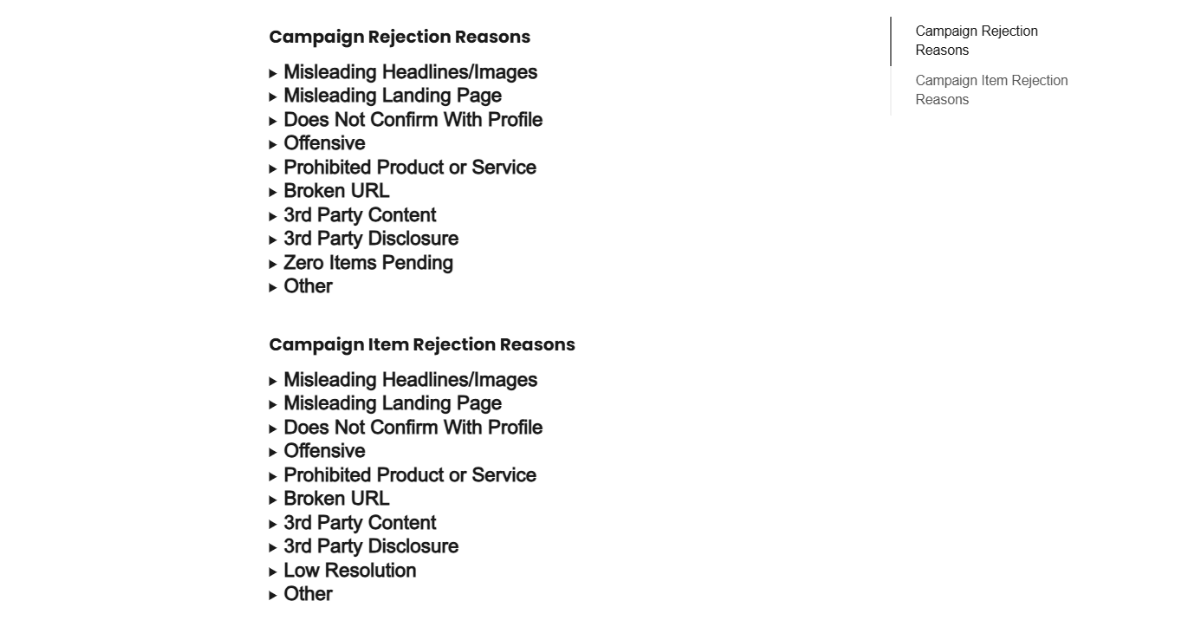
The same three habits generate most repeat tickets. None of them are technical, and all of them cost either attempts or days.
Mistake #1: Rebuilding the Whole Campaign After One Rejection
A rejection names one element. Rebuilding everything around it throws away the targeting and pacing data you already paid for.
It also hides the cause. We once ran a rejected native set through three rebuilds before noticing the actual violation was a headline on the landing page. A stalled Reddit Ads management account taught us the same lesson, isolate before you rewrite.
A Better Habit
Duplicate the ad, change only the flagged element, and submit that. If it clears, you know precisely what the reviewer objected to.
Mistake #2: Treating a Frozen Account as a Platform Outage
Frozen means billing, every time. Campaigns still appear in the interface, which is exactly why teams assume the network is down.
Days disappear in that gap. The card was declined on a Friday and nobody looked at billing until Monday standup.
What to Do Instead
Put a second card on file and give finance the freeze notification. That single change removed this issue from our support queue almost entirely.
Mistake #3: Trusting Conversion Numbers Before Testing the Pixel
A pixel firing twice makes a mediocre campaign look excellent. A pixel that never fires makes a good one look dead.
Either way you optimize toward the wrong thing. This hits lean teams hardest, which is why small business digital marketing accounts get a tracking check before they get a budget increase.
The Check That Saves You
Run the Pixel Helper on the thank you page every time the funnel changes. Two minutes there beats a month of confident, wrong decisions.
When Should You Escalate a Taboola Ads Problem to Support?
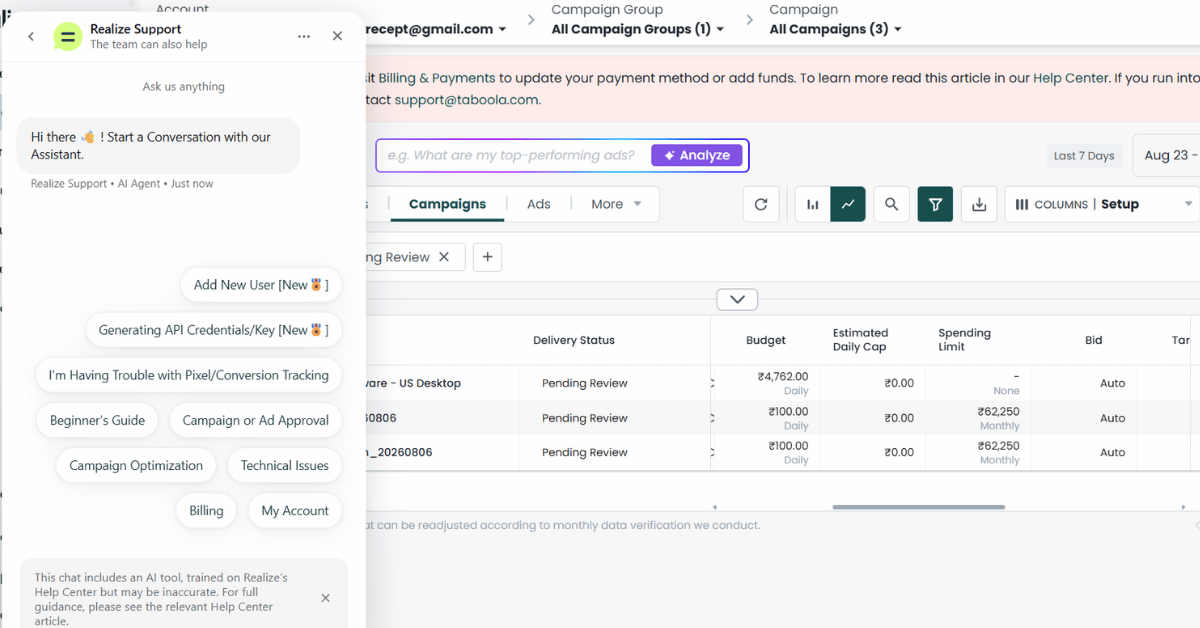
Escalate once you’ve confirmed the fault isn’t yours to fix. That means billing is funded, the status is readable, the creative matches policy, and the pixel passes its own test.
When to Bring in Taboola Support
Three routes exist, your account manager, [email protected], and live chat inside the platform. Anything account level is faster through your manager, and anything billing related needs the email trail.
- The account is frozen manually for payment delinquency.
- A card works everywhere else but keeps failing here.
- The same ad is rejected five times with no change in reason.
- The pixel passes every check and conversions still don’t land.
- Delivery stops while the status still reads Running.
Bring evidence rather than frustration. Screenshots of the status, the rejection reason, and the pixel test cut the back and forth roughly in half. It’s the same discipline a Taboola Ads agency applies before opening any ticket.
When to Bring in Outside Help
Support fixes platform faults. It won’t tell you that your offer keeps tripping the claims policy, or that your funnel leaks after the click.
That’s a judgement call about time rather than skill. No vendor pays us to prefer them, which is why the recommendation lands on client fit instead of a partnership. The honest answer is sometimes that digital marketing outsourcing isn’t worth it yet.
Taboola Ads Troubleshooting FAQ
Disclaimer: This post is for general information only. Vantura Marketing isn’t affiliated with Taboola, platform features and policies can change without notice, and nothing here is legal, financial, or professional advice. Verify current details with the vendor before you act on them.