10 Best Construction Marketing Automation Tools

The best construction marketing automation tools are HubSpot, Mailchimp, ActiveCampaign, Constant Contact, Keap, JobNimbus, Housecall Pro, Jobber, Podium, and Marketing 360. Each one takes over a different slice of the follow-up work, from email nurture to review requests to lead routing. The right pick depends on how your crew already books, quotes, and tracks jobs.
Why trust our construction automation advice
Our 28 specialists have built and delivered 90+ AI-powered marketing automations across 14 industries. We have run 180+ campaigns and 750+ A/B tests, so we know which automations survive contact with a real job schedule.
Need help choosing construction marketing tools?
We map tools to the way your sales process already runs, then set up the flows your team will actually keep. Reach out about our integrated digital marketing services and we will sort out what fits.
Best Construction Marketing Automation Tools Compared
Every tool below automates a different part of the job. Some chase new leads, some chase reviews, and a few try to do both at once.
We grouped them by the work they take off your plate, not by feature count. The same follow-up gaps show up in our HVAC digital marketing work, so the pattern is familiar.
| Tool | Best for | Starting price | Standout automation |
|---|---|---|---|
| HubSpot Marketing Hub | Full funnel marketing | Free plan, Starter from $7 per seat monthly | Multi touch revenue attribution |
| Mailchimp | Simple email and SMS flows | Free up to 250 contacts | 60+ automation flow templates |
| ActiveCampaign | Behavior based nurture | $15 a month billed annually | Unlimited automation actions on Plus |
| Constant Contact | Short contact lists | $12 a month for 500 contacts | Sign up forms with A/B testing |
| Keap | Sales and marketing in one seat | $299 a month with two users | Lead scoring plus SMS follow up |
| JobNimbus | Roofing and remodeling crews | Quote only | Automated follow ups and review requests |
| Housecall Pro | Service and repair teams | $59 a month billed annually | Campaigns and Pipeline lead tools |
| Jobber | Field crews wanting marketing built in | $29 a month Core, $79 a month add on | Approve, edit, or skip each action |
| Podium | Text first lead response | Quote only | AI Employee for round the clock replies |
| Marketing 360 | Contractors who want it done for them | Quote only | Review request automation with MADi AI |
Prices move around, and several of these vendors keep theirs behind a quote form. Housecall Pro is one of the few that lists plans openly, starting at $59 a month billed annually.
Worth knowing: A quote only price tag is not a red flag on its own. But it does mean you cannot compare real costs before a sales conversation. Ask for the full per user rate and any onboarding fee in writing before you sign.
Best Construction Marketing Automation Tools Reviewed
Here is how each tool behaves on a real construction account. We looked at what gets automated, what it costs, and where crews tend to get stuck.
1) HubSpot Marketing Hub: Best for Full Funnel Marketing
Key Highlights
- Free plan for up to two users
- Multi touch revenue attribution built in
- Two way sync with Salesforce
- AI lead capture forms and audience segments
- Campaigns span email, SMS, social, and ads in one workspace
What It Does for a Building Firm
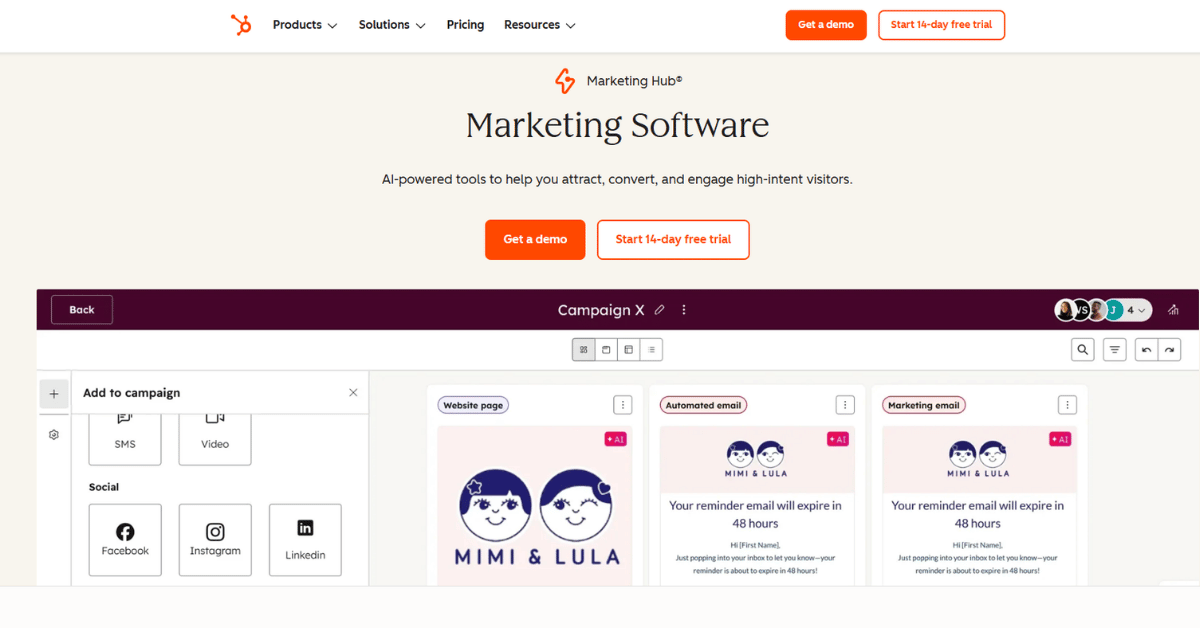
HubSpot pulls forms, email, ads, and reporting into one place. Its AI lead capture forms and Audience Segments let you target visitors who never filled anything in. Paid tiers add seats and deeper automation as the team grows.
For a builder running Meta, Google, LinkedIn, and TikTok at once, the attribution reporting is the real draw. Commercial firms chasing bid work need it more than small residential crews.
The catch is the jump between tiers. Professional starts at $800 a month and adds a one time $3,000 onboarding fee, as shown on the HubSpot plan page.
- Free tier to start on
- Clear reporting on what drove the job
- More than 2,000 marketplace integrations
- AI tools for lead capture
- Room to grow into
- Steep jump from Starter to Professional
- Onboarding fees are not optional
- Contact limits raise the bill fast
- More tool than a small crew needs
- Setup takes real hours
Our Verdict on HubSpot
HubSpot fits firms already running several channels that need one report to tie them together. Below that, you pay for room you will not use.
Bottom line: Start on the free or Starter tier. Only move up when reporting is the thing blocking your next budget call, because the Professional jump costs more than most contractors plan for.
2) Mailchimp: Best for Simple Email and SMS Campaigns

Key Highlights
- Free plan for up to 250 contacts
- More than 60 automation flow templates
- Email, SMS, and social from one flow
- More than 300 integrations
- Built in A/B testing
Where It Earns Its Keep
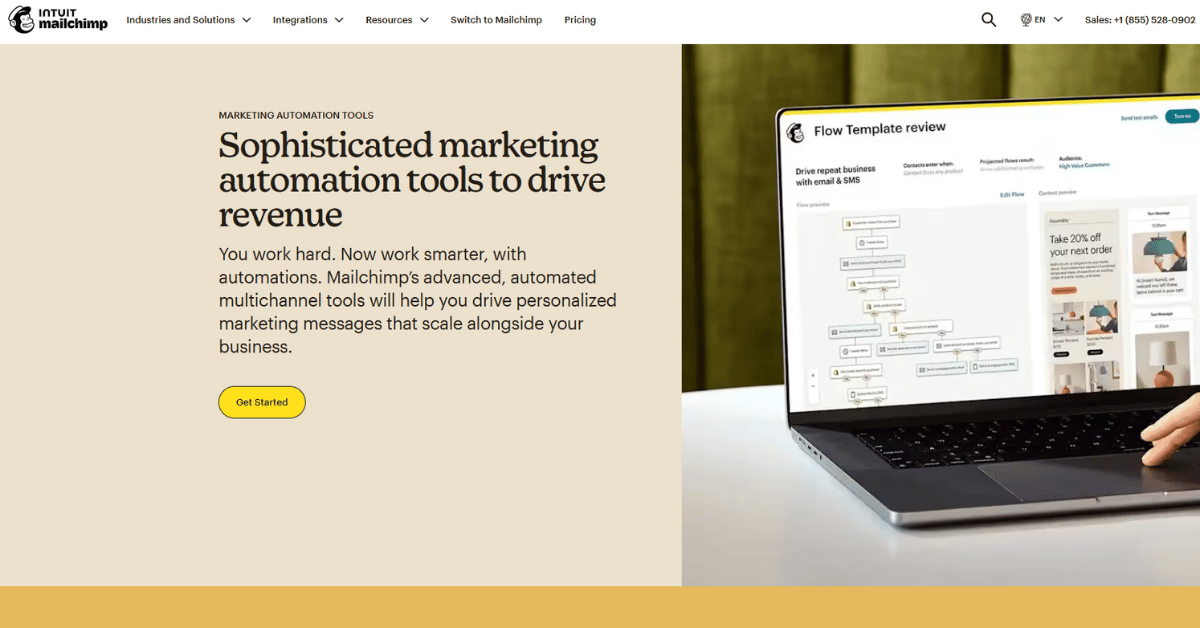
Mailchimp is the easiest tool here to get running in an afternoon. You pick a flow template, drop in your list, and it sends.
The trigger based messaging covers email, SMS, and social in one path, and the one click site pixel works with Wix, WooCommerce, and Shopify. That suits remodelers who sell fixtures or design packages online.
It is a marketing tool, not a job tool. Crews that need quotes and schedules in the same place will still run something else beside it.
- Genuinely free to start
- Templates cover most common flows
- Short learning curve
- Wide integration list
- Predictive flows for churn and carts
- No job or quote tracking
- Free tier caps at one audience
- Paid pricing varies by region
- Reporting stops at the email
- Not built for field teams
Is Mailchimp Enough on Its Own?
For a firm whose marketing is mostly email and the odd text, yes. For anyone tracking bids through stages, it is half the stack.
Our take: Treat Mailchimp as the cheapest way to prove that automated follow up wins you work. Then decide whether you need something that also knows what stage each job is in.
3) ActiveCampaign: Best for Behavior Based Nurture

Key Highlights
- Starter from $15 a month billed annually
- Unlimited automation actions on Plus
- Custom Objects for non standard data
- More than 1,000 apps and integrations
- Fourteen day trial with no card
Why Builders Pick It
ActiveCampaign is the deepest automation engine on this list for the money. Its Custom Objects hold things a normal email tool cannot, like appointment history or loyalty points.
That matters when a lead goes quiet for four months and then books. You can trigger off the milestone, not the calendar, which is how our digital marketing strategy support tends to shape long cycle nurture.
The Starter tier is tight though. It allows only five actions per automation and caps out at 25,000 contacts.
- Strong logic at a low entry price
- Custom data fields others lack
- Attribution tracking on Pro
- Works with Twilio and ClickSend for SMS
- Landing pages included from Plus
- No free plan at all
- Starter limits actions per automation
- Prices are per contact tier
- Setup rewards someone technical
- Field crews get nothing from it directly
How It Lands
Pick ActiveCampaign if someone on your side enjoys building flows. Skip it if nobody does, because the depth goes to waste.
In short: Budget for the Plus tier rather than Starter if you plan anything beyond a welcome sequence. The five action limit stops most useful construction flows before they finish.
4) Constant Contact: Best for Short Contact Lists
Key Highlights
- Lite from $12 a month for 500 contacts
- Drag and drop email builder
- More than 100 third party tools connect
- Sign up forms grow the list automatically
- Basic reporting shows what worked at a glance
The Case for Keeping It Simple
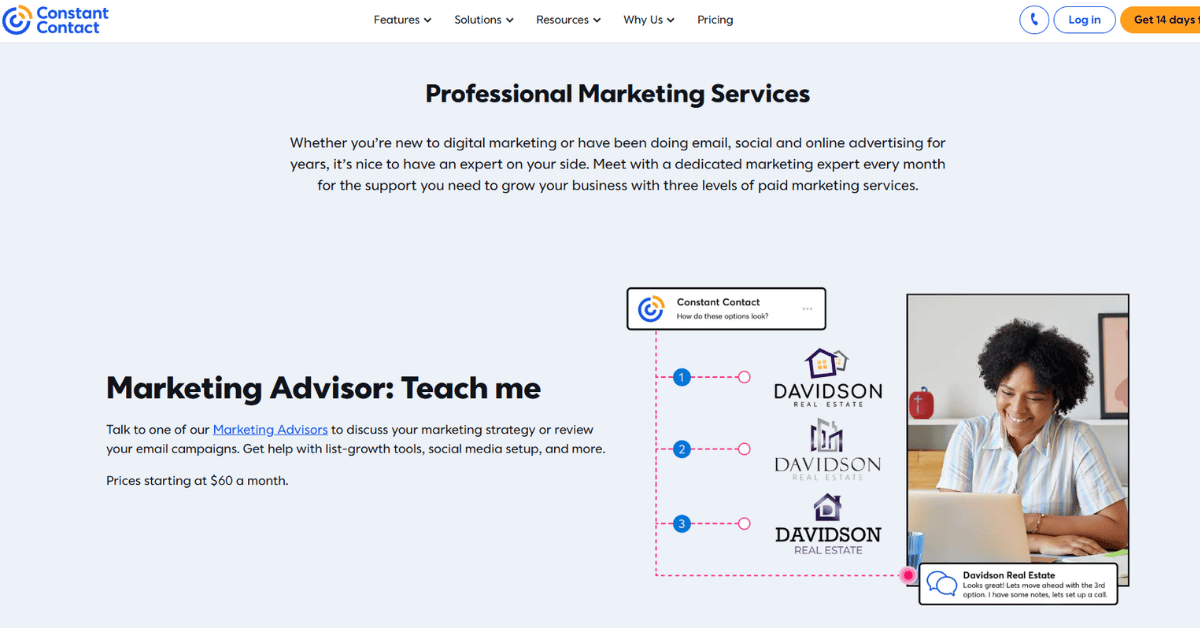
Constant Contact does fewer things and asks less of you. A small builder with 400 past clients can send a decent seasonal campaign the same week they sign up. Multi user access and SMS texting arrive on the higher tiers once a team outgrows the basics.
Landing pages, sign up forms, and A/B testing all come standard. The open and click reporting is plain enough that an owner reads it without help.
Pricing scales with list size past 500 contacts, and the vendor does not publish the higher tiers openly. That makes long term budgeting harder than it looks.
- Cheapest paid entry point here
- Very little to learn
- SMS included on Premium
- Unlimited users on the top tier
- Free trial before you commit
- No free plan
- Higher contact tiers are not published
- Automation logic is basic
- No job or pipeline view
- Lite allows one user only
Worth the Money?
At $12 a month it is hard to argue with for a first automated newsletter. It stops being the right answer once your list crosses a few thousand names.
Verdict: Good first step for a firm that has never emailed its past clients. It is a tool you will likely outgrow within two years of steady list building.
5) Keap: Best for Sales and Marketing in One Seat

Key Highlights
- One plan from $299 a month with two users
- Includes 500 texts and 100 voice minutes
- Lead scoring and sales pipeline built in
- Quotes, invoices, and payments in the same tool
- AI Automation Assistant builds the flows for you
One Tool Instead of Four
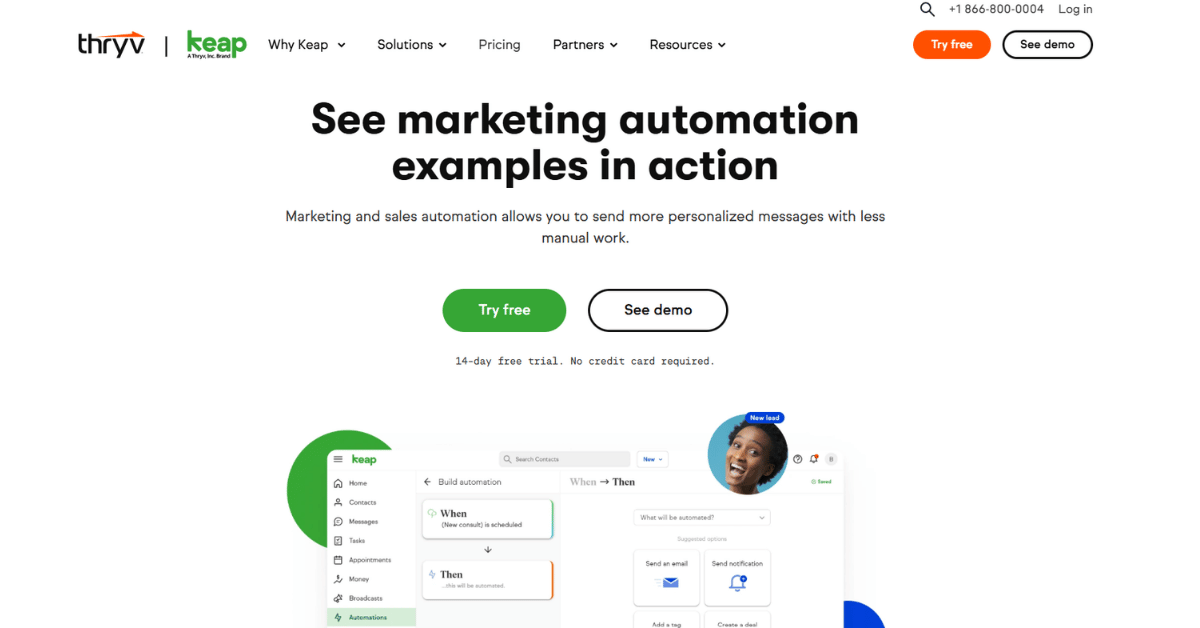
Keap folds the CRM, the email, the SMS, and the invoicing into a single seat. For a remodeling firm that currently runs four separate logins, that alone is the pitch.
Lead scoring and the appointment scheduler feed each other, so a hot lead books itself. The AI Automation Assistant helps build the flows, which softens the setup problem we flag in most marketing consulting engagements.
Be ready for the entry price. Paid plans also require implementation services before you go live.
- Replaces several separate tools
- Payments and quotes included
- Texting bundled into tier one
- Native Zapier plus API and webhooks
- Gmail and Outlook sync
- $299 a month is a high floor
- Onboarding services are required
- Free trial caps at 25 emails
- Contact tier pricing is not itemized
- Texting add ons climb to $279 a month
Who Should Buy It
Keap suits an owner led firm doing enough volume to justify one paid seat replacing three. Below roughly a dozen active jobs a month, the math gets thin.
Quick note: Price the mandatory onboarding into year one before you compare Keap against cheaper tools. The sticker price and the first year cost are not the same number.
6) JobNimbus: Best for Roofing and Remodeling Crews

Key Highlights
- Built around contractor job workflows
- Marketing Bundle with automated follow ups
- Engage texting for customers and crews
- Review generation built in
- Fourteen day trial with no card
Marketing That Sits on the Job Record
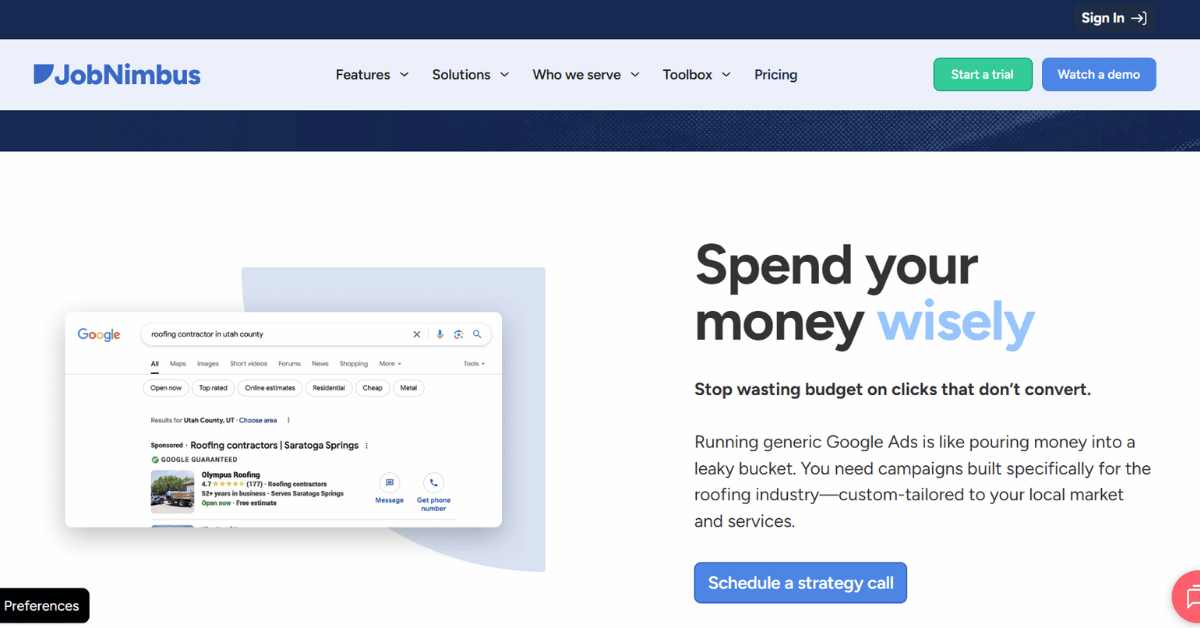
JobNimbus starts from the job, not the mailing list. Follow ups and review requests fire off job stages, so nobody has to remember to send them.
The Marketing Bundle comes two ways. You either use the built in follow up and review system, or you buy the managed service. There, their in house agency runs the site, the SEO, and the ads.
Those agency services are retainers on top of the subscription, not features. Firms weighing that choice often compare it against dedicated roofing digital marketing help instead.
- Made for trade contractors
- Automations tied to job stages
- Texting built into the workflow
- Review requests happen on their own
- Trial needs no card
- No published pricing at all
- Marketing services cost extra
- Per role user fees add up
- Texting tiers are separate again
- Quote request needed before you compare
The Honest Read
If your work is roofing, siding, or exteriors, JobNimbus speaks your language better than any general email tool. The pricing opacity is the price of that fit.
Where it lands: Ask for a written quote that separates the software seats from the agency retainer. Published third party figures for this tool vary widely, and none of them come from the vendor.
7) Housecall Pro: Best for Service and Repair Teams

Key Highlights
- Basic from $59 a month billed annually
- Campaigns and Pipeline add ons for marketing
- CSR AI answers and books calls
- Review management included on every plan
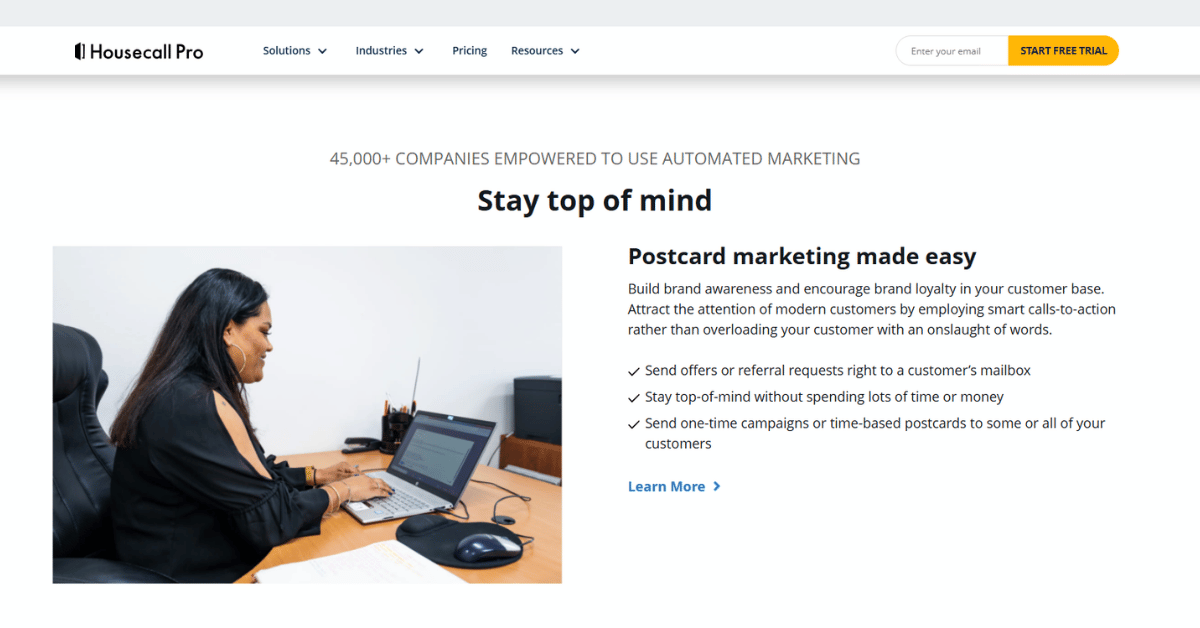
- Postcard and email campaigns run from job records
Built Around the Service Call
Housecall Pro is scheduling software first and a marketing tool second. Review management sits in the cheapest plan, which is unusual and useful. Higher tiers mainly buy extra user seats as the office grows.
Move up to Essentials and you get checklist automations, photo reports, and QuickBooks Online sync. Max adds route optimization and open API access, which matters once you connect it to anything else.
The marketing pieces are add ons rather than core features. Repair crews we support alongside plumbing digital marketing usually buy Campaigns and leave the rest.
- Open, published pricing
- Review management from the base plan
- Strong scheduling and dispatch
- Open API on the top tier
- Fourteen day trial with no card
- Marketing tools cost extra
- Add on prices are not listed
- Basic covers one user only
- Extra Max users run $35 a month
- Light on nurture logic
Our Read on Housecall Pro
This is the right pick when the schedule is the bottleneck and marketing is the second job. It is the wrong pick if you want a real nurture engine.
Summary: Confirm the Campaigns and Pipeline add on prices during your trial. The plan page lists the tiers openly but leaves the marketing extras off the published rate card.
8) Jobber: Best for Marketing Built Into Job Software
Key Highlights
- Core from $29 a month prepaid annually
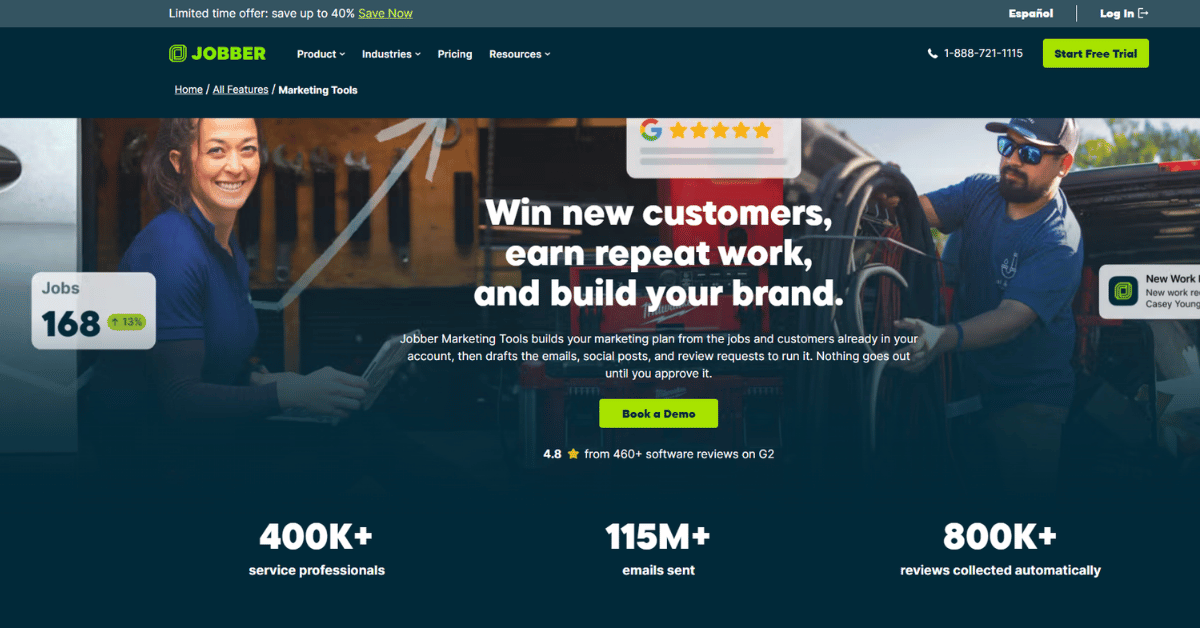
- Campaigns, Reviews, and Referrals in one bundle
- Approve, edit, or skip any action before it sends
- Review requests trigger from completed jobs
- Rebooking nudges go out without manual chasing
Automation With a Human Checkpoint
Jobber’s Marketing Suite bundles campaigns, reviews, referrals, social posting, a website builder, and reporting for $79 a month on top of your plan. The approval step is the part crews trust most. Above the entry plan, marketing Suite add on at $79 a month; receptionist AI add on at $29 a month.
Nothing goes out until someone approves, edits, or skips it. That single control kills the usual fear that an automated message will land on a customer mid dispute.
Base plans run from $29 a month for Core up to the Plus tier for larger teams. Small crews stepping up from spreadsheets often reach it the same way they reach electrician digital marketing support, one problem at a time.
- Low entry price for the base tool
- Marketing bundled into one add on
- Human approval on every action
- Website builder included in the suite
- Performance reporting in the same view
- Marketing Suite is a separate $79 a month
- Suite is limited to three countries
- Social posting covers Facebook only
- Higher tiers jump sharply in price
- Add ons stack up quickly
Does It Fit Your Crew?
Jobber suits teams that want marketing to happen without leaving the job software. It is less convincing if you need multi channel campaigns beyond email, text, and one social network.
Short version: Add the $79 Marketing Suite only once your job records are clean. Every automated message it sends is built from the customer data already sitting in the system.
9) Podium: Best for Text First Lead Response

Key Highlights
- One inbox for texts, calls, and webchat
- Google, Facebook, and Instagram messages included
- Unlimited one to one texts on every plan
- Automated review requests by text
- AI Employee add on for after hours replies
Speed as the Whole Product
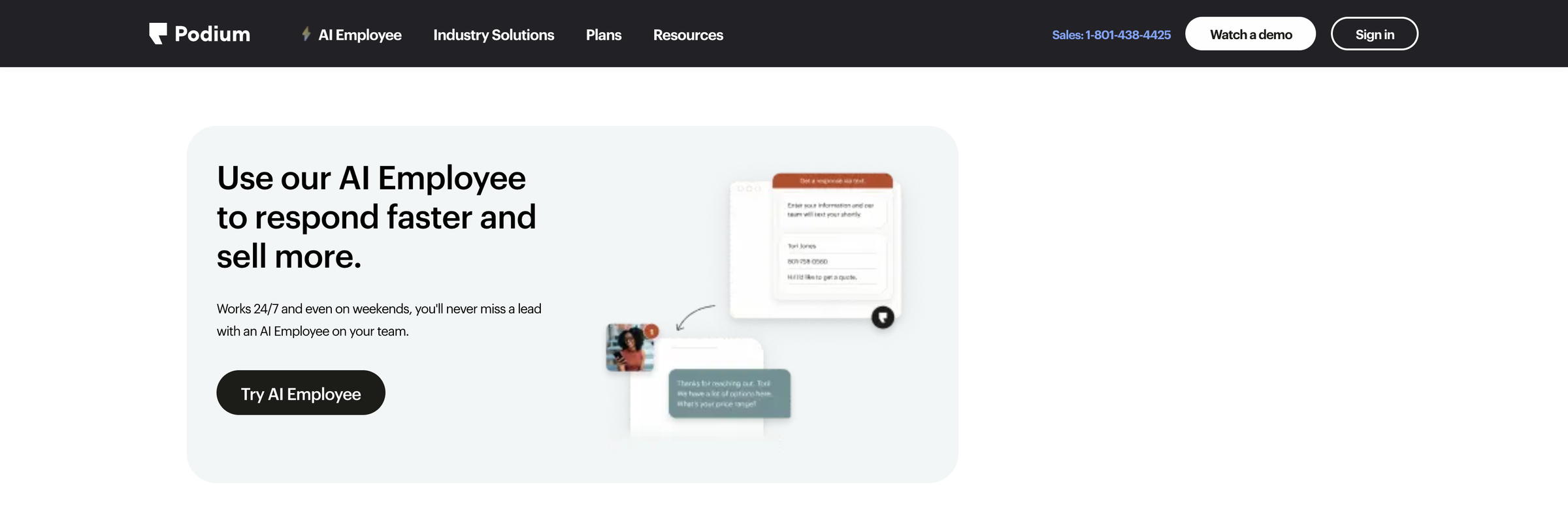
Podium exists to shorten the gap between an inquiry and a reply. Every channel a homeowner might use lands in one inbox, so nothing waits behind a separate app.
Unlimited one to one texting comes with every plan, which is rare. The AI Employee add on answers and books around the clock when nobody is at a desk.
Pricing is not published anywhere on the vendor site. Third party reviewers report monthly figures in the high hundreds, but none of those numbers come from the vendor.
- One inbox across every message channel
- Unlimited texting on all plans
- Reviews collected automatically
- Round the clock AI response option
- Very little training needed
- No public pricing
- Third party price reports conflict
- Thin on email nurture
- AI Employee costs extra
- Little job or quote tracking
Who Gets the Most From It
Firms losing work to slow callbacks get the fastest payback here. Firms with a long design phase will want something with deeper nurture beside it.
Keep in mind: Measure your current reply time for a fortnight before the demo. Podium is worth its cost only if that number is genuinely hurting your close rate.
10) Marketing 360: Best for Done For You Marketing

Key Highlights
- Content produced weekly for you
- Review request automation included
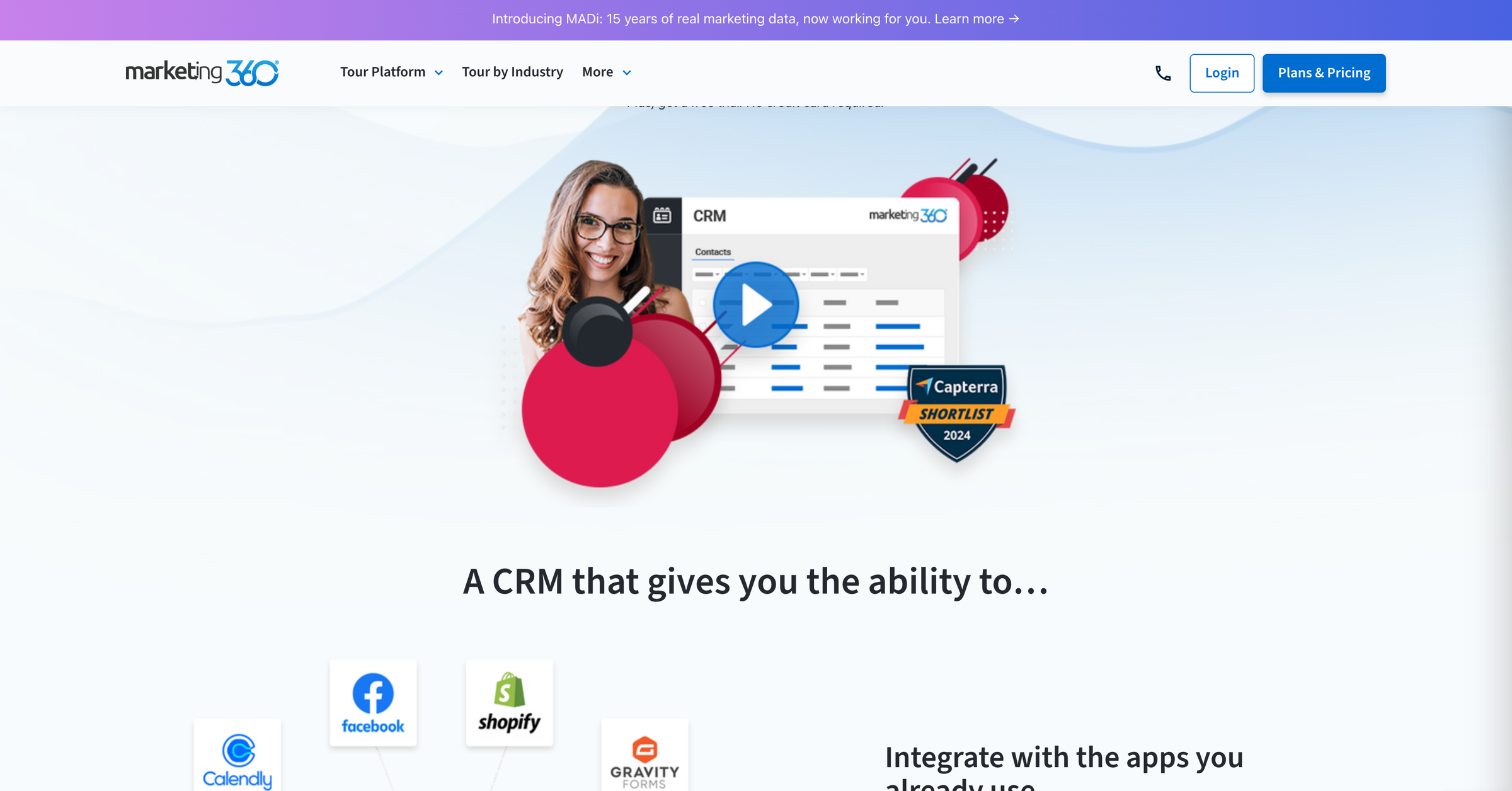
- CRM with forms and lead capture
- Google Business Profile management
- An assigned marketing expert on the account
Software Plus a Team
Marketing 360 is the most hands off option here. Blog articles, social posts, and monthly newsletters get produced for you rather than by you.
Search and answer engine work, review automation, and Google Business Profile management all sit inside the same service. Their MADi AI layer makes the recommendations.
Pricing is quote only, and the third party figures floating around conflict badly with each other. Firms comparing this against outsourcing construction marketing entirely should price both before deciding.
- Content gets made without your time
- One point of contact
- Reviews handled automatically
- Search work included
- Lead capture built into the CRM
- No published pricing
- Third party estimates disagree sharply
- Less control over the output
- Harder to leave than software alone
- Automation depth is limited
Is Done For You Worth It?
It is, when nobody in the office wants to own marketing. It is not, when you already have someone capable and just need better tooling.
Conclusion: Ask exactly what content volume the retainer buys each month and who owns the website afterwards. Those two answers decide whether this is a service or a lock in.
How Do You Choose Construction Marketing Automation Tools Your Crew Will Use?
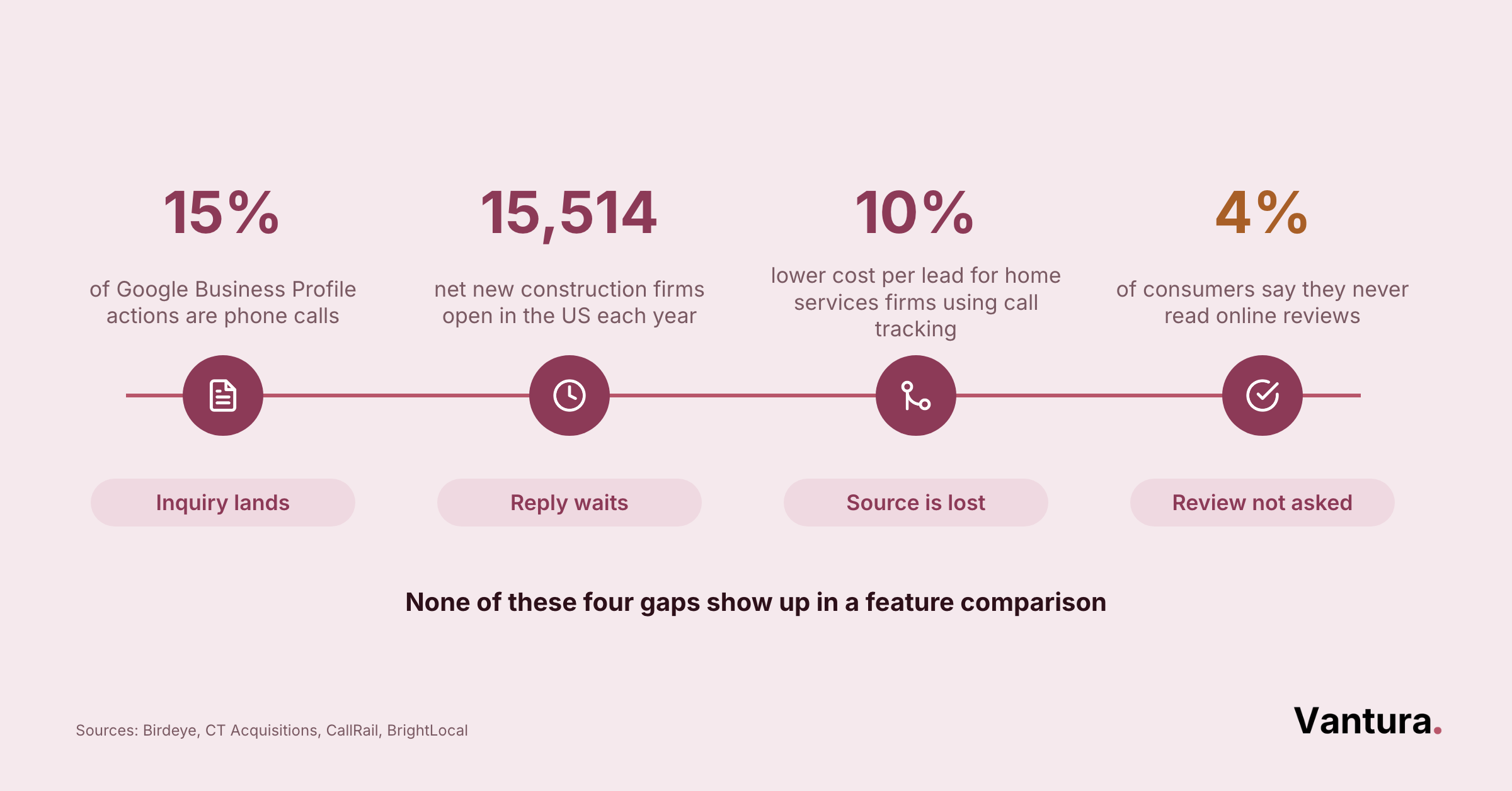
Pick the tool that fixes the handoff you drop most often. Feature lists all look similar, so the deciding factor is whether your team keeps using it in week six.
Start With the Handoffs That Break
Most lost work in construction is not a marketing problem. It is a handoff problem, and automation is only useful where a handoff already fails.
Watch your own process for two weeks and write down where things stall. Across our projects, the same two gaps show up in roughly three of every four contractor accounts.
Reply speed on new leads
An inquiry that sits overnight competes with three firms that answered. Automated first replies buy you the morning, and our industrial digital marketing clients see the same effect.
The second gap comes later, after the work is finished. Nobody wants to ask for a review face to face, so the ask never happens.
A tool that fires that request off job completion removes the awkwardness entirely. That is the single highest return automation we set up on small contractor accounts.
The review request nobody sends
Set it to fire two days after the final invoice clears. Any sooner reads as pushy, and any later gets forgotten.
Test the Tool on Your Own Data
Demos run on clean sample data. Your contact list is not clean, and that difference decides whether the trial tells you anything real.
Load a genuine export during the free trial, not a tidy sample. In our experience, list cleanup removes about a fifth of a contractor database before anything can be automated.
Messy contact lists
Duplicate homeowners, dead numbers, and site contacts with no email all break flows quietly. Fix them first or the tool will look broken when it is not.
The other trial question is who touches the tool day to day. If the answer is a project manager on a phone, test it on a phone in a truck.
Desktop first tools quietly die in the field. That pattern holds across every trade we support, including real estate digital marketing accounts with mobile heavy teams.
Access from the field
Check whether a crew lead can update a job status in under a minute. If they cannot, the automations behind that status never fire.
What Do Construction Marketing Automation Tools Cost to Run?
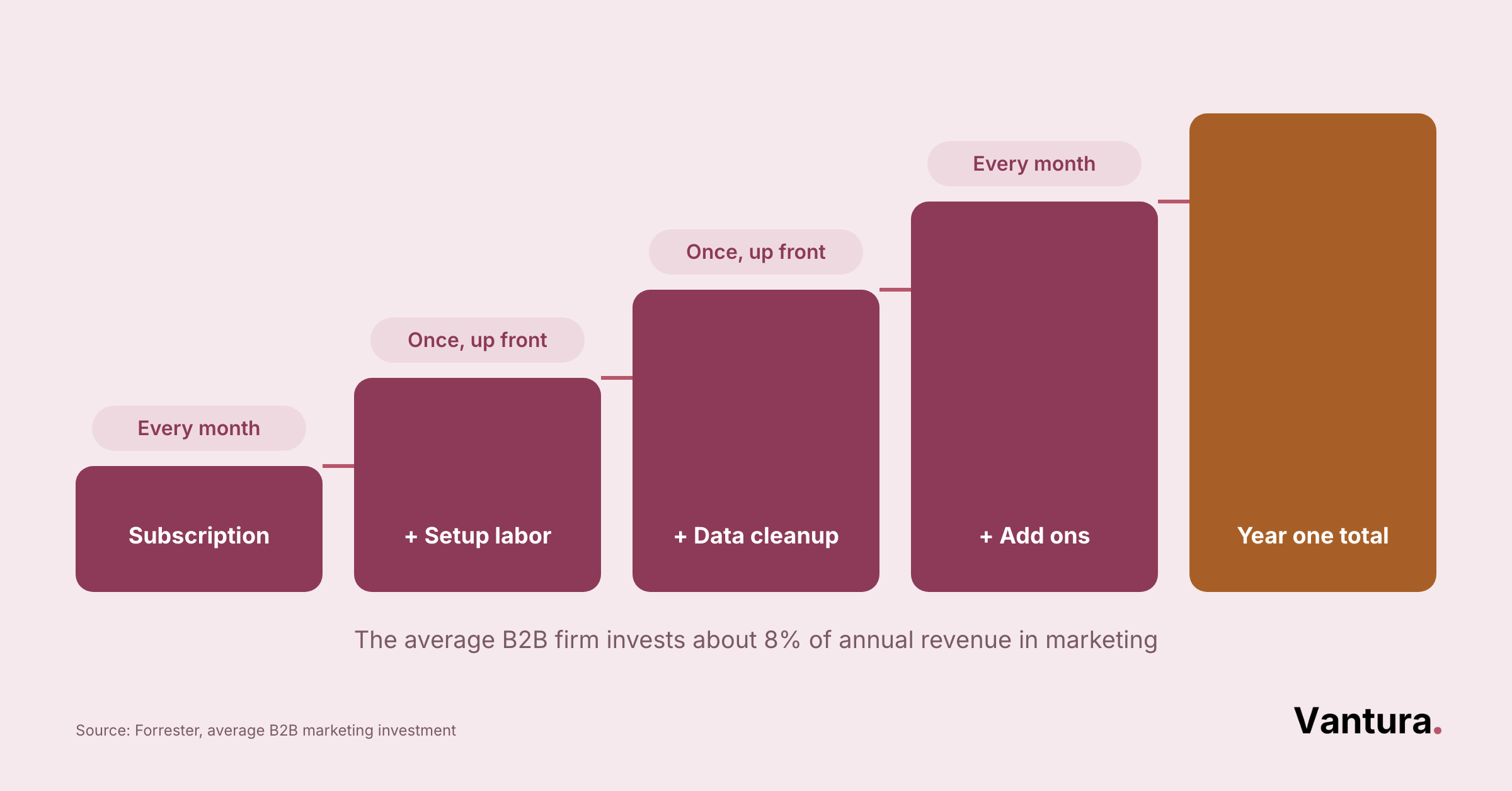
The subscription is rarely the biggest number. Setup time, data cleanup, and add on fees usually cost more in year one than the software itself.
The Costs Nobody Puts in the Quote
Vendors quote the monthly seat price because that is the flattering number. The rest of the bill arrives once you start building.
Across our projects, first year spend usually lands 30 to 45 percent above the quoted subscription. The gap is almost always labor, not licenses, a pattern that also shows up in our digital marketing audit work with new clients.
- Mandatory onboarding fees on some tiers
- Per user charges once the office joins
- Texting bundles billed separately
- Hours spent cleaning the contact list
- A person to own the flows after launch
Pro tip: Ask every vendor for a written year one total that includes onboarding, seats, and messaging bundles. Then compare those numbers rather than the headline monthly rate.
Where the First Dollars Go
Two buckets swallow most of the early budget. One is predictable and shows on an invoice, the other is your own team’s hours.
Firms that budget only for the first bucket stall halfway through setup. We would rather see a smaller plan with proper setup time than a big plan nobody finishes configuring.
The invoice side is easy to plan. Entry plans here run from $12 a month up to $299 a month, and seats scale from there. Add ons are where the surprise lives. Texting bundles, AI assistants, and marketing suites are all billed on top of the base plan.
Setup is the cost nobody quotes you. Two tools here require paid onboarding before you can go live at all. Even without that, expect four to six weeks of part time work internally. Across our projects that is the honest window from signature to a flow you trust.
Whichever bucket you underestimate is the one that stalls the rollout. Plan both before the first invoice arrives.
How Do You Know It Is Paying Off?
Three numbers tell you whether the spend is working, and none of them is open rate. Paid clicks are getting more expensive, so protecting each lead matters more than it used to.
#1 Cost per booked job
Construction advertisers pay around $2.23 per Facebook click, and that figure is climbing toward $2.45, according to TheeDigital construction benchmarks. Automation should pull your booked job cost down, not just your reply time.
#2 Time to first reply
Track it weekly from the day you switch on. If it has not dropped after a month, the flow is misfiring somewhere.
#3 Repeat and referral work
This one moves slowly and matters most. We usually see the first honest reading somewhere between month four and month six.
Construction Marketing Automation Tools FAQ
We stay independent, so no vendor holds a stake in our business. That means we recommend niche contractor systems just as readily as the big names when they fit better. It is the same standard behind our small business marketing work.
Disclaimer: This article is for general information only. Pricing, plans, and product features change without notice, so verify current details with each vendor before making a purchase decision. Vantura Marketing accepts no liability for decisions made on the basis of this content.