9 Best Construction Email Marketing Software

The best construction email marketing software splits into two camps, general email tools and contractor systems that also send email. HubSpot, Mailchimp, ActiveCampaign, Constant Contact and Brevo lead the first camp, while Jobber, Housecall Pro, JobNimbus and QuoteIQ lead the second. Pick based on where your job data already lives, because that choice decides how much manual list work you inherit.
Why Trust Our Construction Email Picks
Our 28 specialists cover every corner of digital marketing, backed by 190 plus combined years of experience and 180 plus campaigns delivered across 14 industries. We’ve watched these tools work and fail on real job data, not on a feature sheet.
Need Help Choosing Construction Email Software?
Sorting nine tools against your own workflow takes time you probably don’t have. Our small business digital marketing team can map your list, your CRM and your send volume in one pass. Get in touch and we’ll narrow it down with you.
Best Construction Email Marketing Software Comparison
The nine tools below fall into two groups. Five are general email tools you point at any list, and four are contractor systems that send email as one feature among many.
Price is the easiest column to compare, and it’s the least useful one. In our experience running email programs for crews of two and GCs of forty, the tool rarely decides the outcome.
What decides it is whether one person actually owns the calendar and the list. Across our projects, that ownership gap is what separates a tool that gets used from one that gets abandoned by month three.
A short digital marketing audit of your list, sender domain and job records will tell you more than any feature grid. Start there if you have never checked your bounce rate.
| Software | Best For | Entry Price | What It Adds for Contractors |
|---|---|---|---|
| HubSpot | Firms growing email into a full CRM | Free plan, then $20 per seat per month at the standard rate | Marketing contacts, credits and a staged upgrade path |
| Mailchimp | A first campaign on a small list | Free up to 250 contacts | Templates, audiences and up to 200 automation flows |
| ActiveCampaign | Long bid cycles that need nurturing | About $15 per month billed annually | Custom Objects and unlimited automation actions above Starter |
| Constant Contact | Newsletters and event promotion | $12 per month on Lite | Event registration, surveys and 100 plus integrations |
| Brevo | High send volume on a small budget | Free at 300 emails per day | Pricing by emails sent rather than contacts stored |
| Jobber | Field crews tying email to jobs | Marketing Suite add-on at $79 per month | Campaigns, reviews, referrals and online booking |
| Housecall Pro | Residential contractors running one system | $59 per month billed annually on Basic | Scheduling, dispatch and marketing add-ons |
| JobNimbus | Roofing and exterior contractors | Quoted on request | Engage module for text, email and caller ID |
| QuoteIQ | Solo contractors automating follow up | $29.99 per month on Essentials | Texts and emails triggered by job status |
Best Construction Email Marketing Software Reviews
Here is how each tool performs for construction teams, reviewed one by one.
1) HubSpot: Best for Contractors Outgrowing a Basic Email Tool

Key Highlights
- Free plan for two users with 2,000 sends a month
- Send limits scale with your contact tier
- Onboarding fees apply on Professional and Enterprise
- Multi touch attribution ties emails to signed jobs
- Two way Salesforce sync for mixed sales stacks
Where HubSpot Earns Its Price
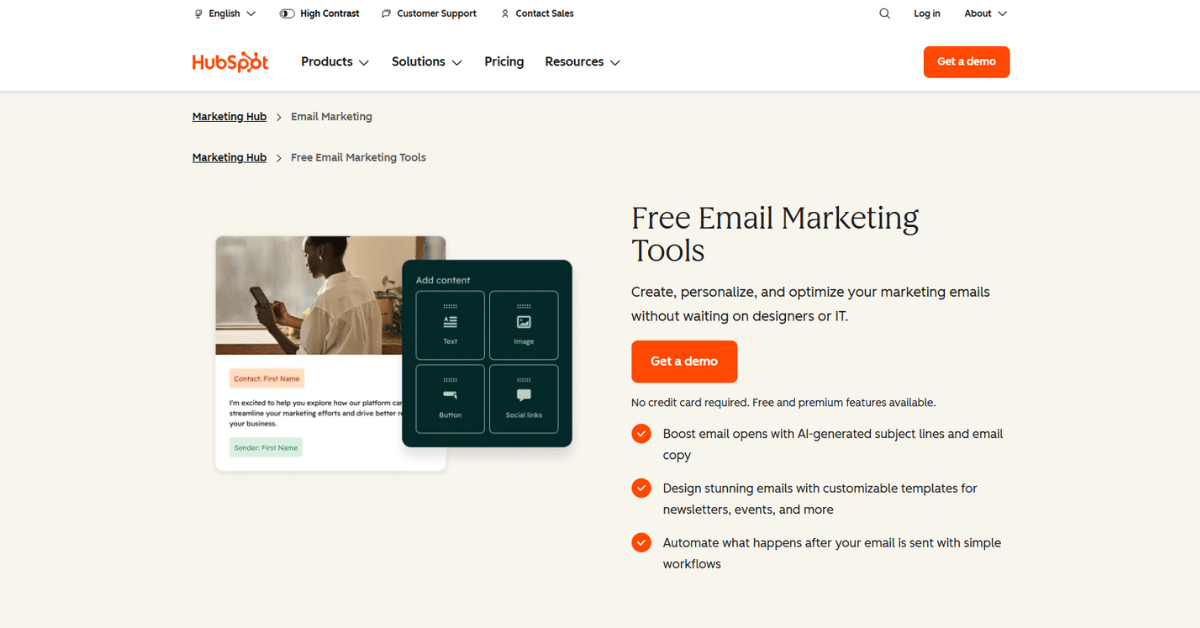
The free tier is genuinely usable for a small builder. You get 2,000 sends a month across two users, with HubSpot branding on every email. Above the entry plan, starter at $20 per seat per month at the standard rate; professional at $800 a month billed annually.
Reviewers back up that usability. HubSpot holds a 4.5 out of 5 rating across 6,246 verified reviews on Capterra.
Paid tiers change the math fast. Starter lists at $20 per seat per month at the standard rate, with 1,000 marketing contacts included, and Professional jumps to $800 a month billed annually.
That jump also carries a one time $3,000 onboarding fee. Most construction clients we’ve moved onto Professional did it for the CRM, not the email editor.
It behaves like the B2B digital marketing setups we run for commercial builders, where one contact sits in a bid cycle for months.
- Free plan a small crew can actually use
- Contacts, deals and email sit on one record
- Clear upgrade path as the list grows
- Reporting is strong without extra tools
- Wide integration support
- Pricing jumps sharply from Starter to Professional
- Onboarding fees add $3,000 or $7,000 up front
- Send limits are tied to your contact tier
- Extra Core Seats are billed separately
- More tool than a one crew shop needs
Our Take on HubSpot
HubSpot suits a contractor who already wants a CRM and treats email as one output of it. Below that, you’re paying for rooms you’ll never walk into.
Bottom line: Start on the free plan and keep your list inside the Starter contact tier. Move to Professional only when your sales side needs pipeline reporting, since the onboarding fee alone outweighs a year of most standalone tools.
2) Mailchimp: Best for a First Construction Email List

Key Highlights
- Free plan covers 250 contacts and 500 emails a month
- Paid tiers priced by contact count and region
- Standard adds up to 200 automation flows
- 14 day trial on paid plans with no card
- Standard tier carries five seats and five audiences
What You Get Before You Pay
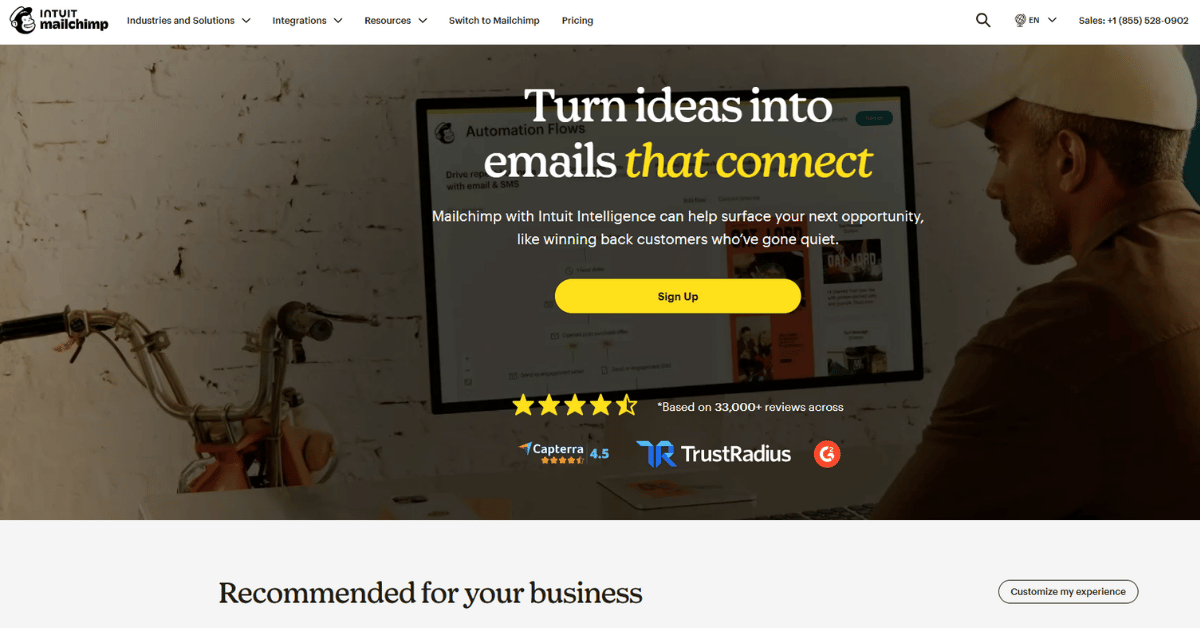
Mailchimp is where most contractors send their first campaign, and the free plan is why. It holds 250 contacts and 500 emails a month, which covers a single project newsletter.
Paid pricing is shown in local currency and shifts by region, so treat any dollar figure you read online with care. Standard is the useful tier, with five seats, five audiences and up to 200 automation flows.
We’ve seen small crews outgrow the free tier in about four months once they start collecting addresses on site. It follows the same curve as digital marketing for startups, where list growth outruns the plan you picked.
- Free plan needs no card and never expires
- Templates are quick for non designers
- Nonprofit accounts get a 15 percent discount
- Automation flows arrive on the mid tier
- Familiar to almost any freelancer you hire
- Prices vary by region and are hard to compare
- Overage charges apply past contact and send limits
- Automation is thinner than dedicated tools
- No job or quote data inside the software
- Free tier caps sends at 250 a day
Is Mailchimp Enough?
For a remodeler mailing past customers twice a quarter, yes. For anyone tying email to bid stages, it runs out of room quickly.
Keep in mind: Check the pricing in your own currency before you commit. A cheap looking tier on a comparison page can land very differently on your invoice once overages get counted.
3) ActiveCampaign: Best for Long Bid Cycles That Need Nurturing

Key Highlights
- Starter around $15 a month billed annually
- Pro adds advanced segmentation and three users
- Custom Objects hold non standard job data
- Over 1,000 apps and integrations
- 14 day trial with no setup fees
Automation Built for Slow Decisions
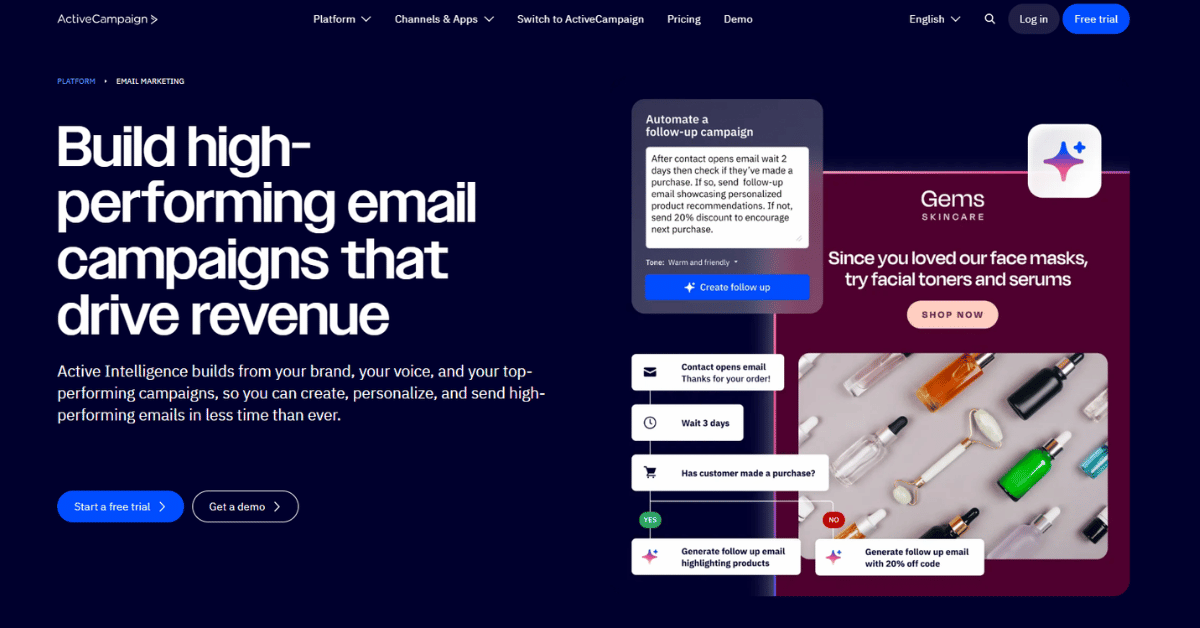
Commercial bids move over months, and ActiveCampaign is built for that pace. Custom Objects let you store fields a normal email tool has no room for, like appointment history or membership tier.
The vendor’s own pricing page confirms four tiers and a 14 day trial but does not display dollar amounts. Independent pricing trackers put Starter at about $15 a month billed annually and Pro at $79.
Starter caps automations at five actions, which is the wall most contractors hit first. Teams we support through marketing consulting usually land on Plus or Pro inside a quarter.
- Deep automation without a developer
- Custom Objects fit trade specific data
- Segmentation improves with every send
- Connects to over 1,000 apps
- 30 day money back guarantee
- Starter limits automations to five actions
- Public pricing is hard to confirm on the vendor page
- Contact based pricing rises as the list grows
- Interface takes a week to learn
- Higher tiers are needed for multiple users
Who Should Skip ActiveCampaign
If your list is under 500 and you send monthly, this is more machinery than you need. If you nurture bids for half a year, it earns its keep.
Worth knowing: Ask for the current price in your own currency before signing. The published page did not render figures during our checks, and third party trackers can drift from what the vendor charges today.
4) Constant Contact: Best for Newsletters and Open House Invites

Key Highlights
- Lite at $12 a month for one user
- Event registration and survey tools included
- Drag and drop templates cover seasonal campaigns
- A/B subject line testing on Standard
- Resend to non openers and segmentation on Standard
Simple Sending With Event Tools
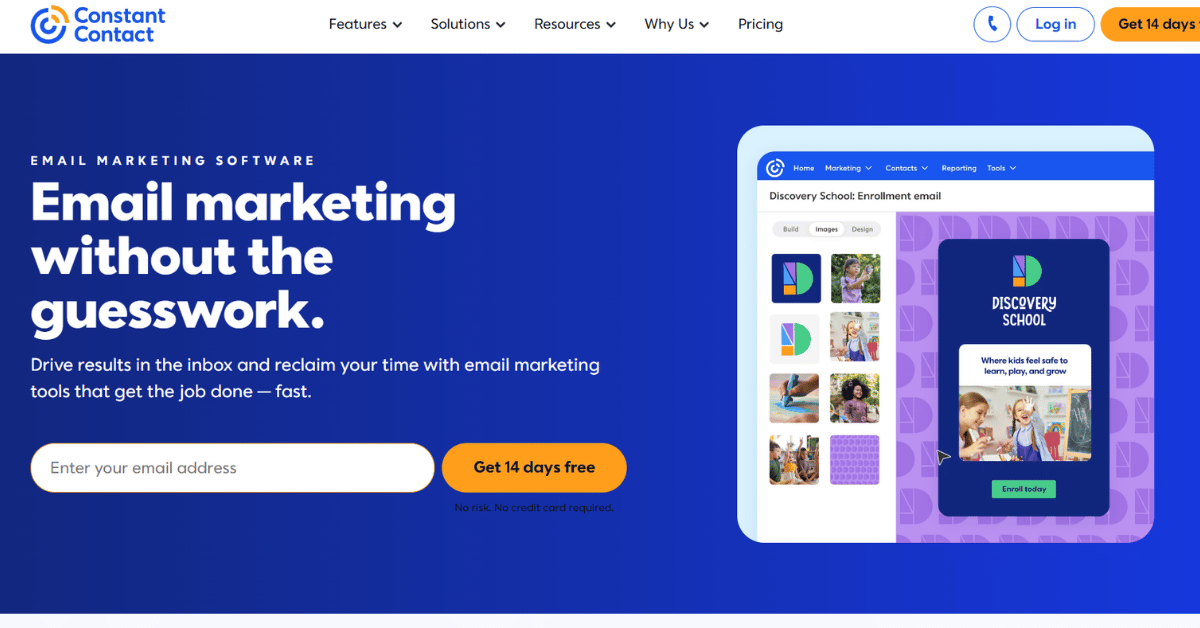
Constant Contact keeps things plain, which is the point. Lite runs $12 a month and covers welcome emails, drag and drop templates and basic reporting. Higher tiers add users and unlock the full set of more than 100 integrations; there is no permanent free plan.
Standard at $35 a month is where A/B testing, segmentation and resend to non openers appear. Premium at $80 a month adds dynamic content, SMS and advanced segmentation.
The event tools matter more in construction than people expect. A supplier open house or a safety training session is far easier to run here than in a pure email tool.
- Cheapest entry price in this list
- Event registration is built in
- Survey and poll tools included
- Straightforward for non marketers
- Long integration list
- No permanent free plan
- Price climbs with list size
- Automation stays basic below Premium
- Advanced ads require a minimum ad spend
- No job or scheduling data
Where Constant Contact Lands
It’s the safest pick for a firm that wants a monthly newsletter and nothing clever. It’s the wrong pick if you want behavior driven sequences.
Quick take: Budget for Standard rather than Lite. Segmentation and resend to non openers move open rates most on a contractor list, and both sit one step above the entry plan.
5) Brevo: Best for High Send Volume on a Small Budget

Key Highlights
- Free tier sends 300 emails a day
- Standard adds automation and A/B testing
- Free tier stores up to 100,000 contacts
- Billing follows send volume, not list size
- Branding removed from emails on Standard
Paying by Email Volume, Not Contacts
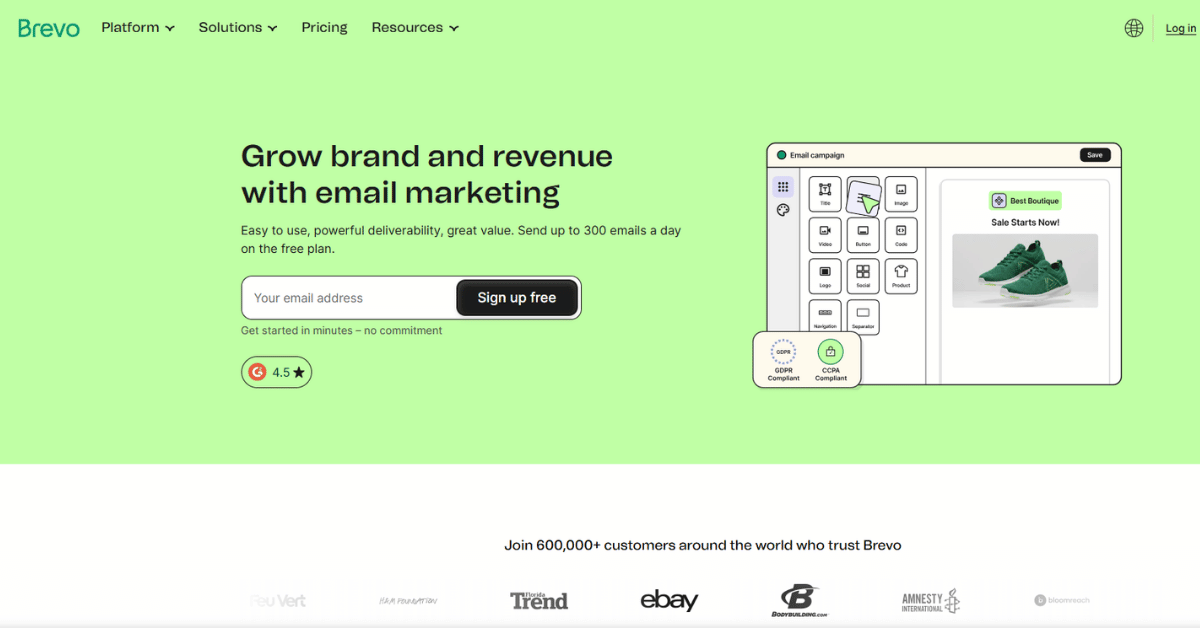
Brevo charges for emails sent rather than contacts stored, and that changes the math for a firm with a big but quiet list. The free tier holds up to 100,000 contacts and sends 300 emails a day. Paid tiers scale by send volume, so the bill tracks how often you actually mail the list rather than how many names sit in it.
Published pricing guides put Starter from $9 a month for 5,000 emails and Standard from $18 a month. We could not load figures from the vendor page during this research, so treat those numbers as third party reported.
That volume model suits the kind of list we handle in industrial marketing. A supplier database often sits idle for months, then gets one large announcement.
- Volume pricing suits large, quiet lists
- Free tier stores 100,000 contacts
- Standard removes Brevo branding
- Automation arrives on the mid tier
- Scales by sends, not list size
- Free tier capped at 300 emails a day
- Vendor pricing page was hard to verify
- Professional tier jumps sharply in price
- Fewer trade specific templates
- Support depth varies by tier
The Honest Read on Brevo
Brevo is the value pick when your list is large and your sends are rare. It’s a poor pick if you need daily volume on a free account.
Heads up: Confirm the tier prices with Brevo before you plan a budget around them. The figures circulating in comparison guides come from third party write ups, not a vendor page we could load.
6) Jobber: Best for Field Crews That Want Email Inside the Job
Key Highlights
- Core plan from $29 a month prepaid annually
- Campaigns, reviews and referrals in one add-on
- Online booking and website builder included
- Add-on sold in the US, Canada and the UK
- Every automated send waits for approval first
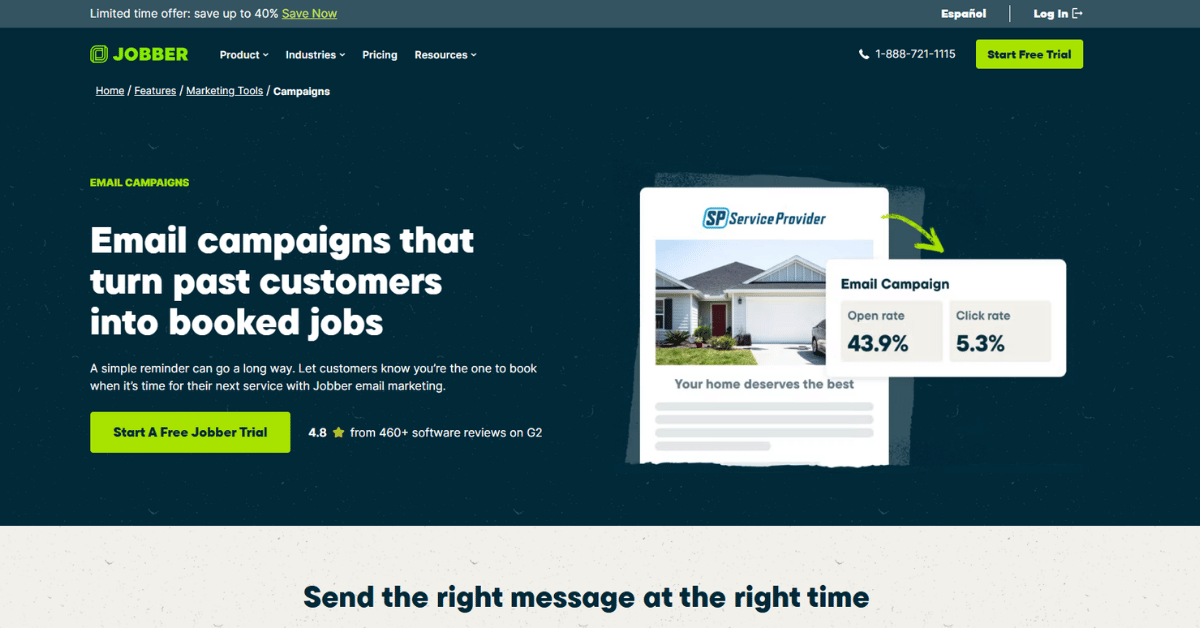
Email That Rides Along With the Job
Jobber is a field service system first and an email tool second. The Marketing Suite add-on costs $79 a month and bundles campaigns, review requests, referrals, social posting and a website builder.
Because it sits on top of your job records, a campaign can pull from work you already finished. Jobber reports that users have sent over 115 million emails through it.
Every automated action waits for approval before it goes out, which matters when a crew lead is the one clicking send. We see the same instinct in plumbing company marketing, where owners want eyes on anything that reaches a customer.
- Email built on real job records
- Approval step before anything sends
- Reviews and referrals in the same add-on
- Online booking included
- Base plans start at $29 a month
- Marketing Suite is a paid add-on
- Add-on availability limited to three countries
- Base plan price climbs with user count
- Email design options are limited
- No reason to buy it unless you run Jobber
Worth It for Jobber Users?
If your scheduling already lives in Jobber, the add-on beats running a second tool and syncing lists by hand. If it doesn’t, the marketing suite alone is not a reason to switch.
Rule of thumb: Add the Marketing Suite once you send more than two campaigns a month. Below that, a manual export into a standalone tool costs less than the add-on fee.
7) Housecall Pro: Best for Residential Contractors Running One System

Key Highlights
- Basic at $59 a month billed annually
- Campaigns and Pipeline sold as add-ons
- Card processing from 2.59 percent
- Marketing sold as Campaigns, CSR AI, Pipeline and Voice add-ons
- Live phone and chat support in English and Spanish on every plan
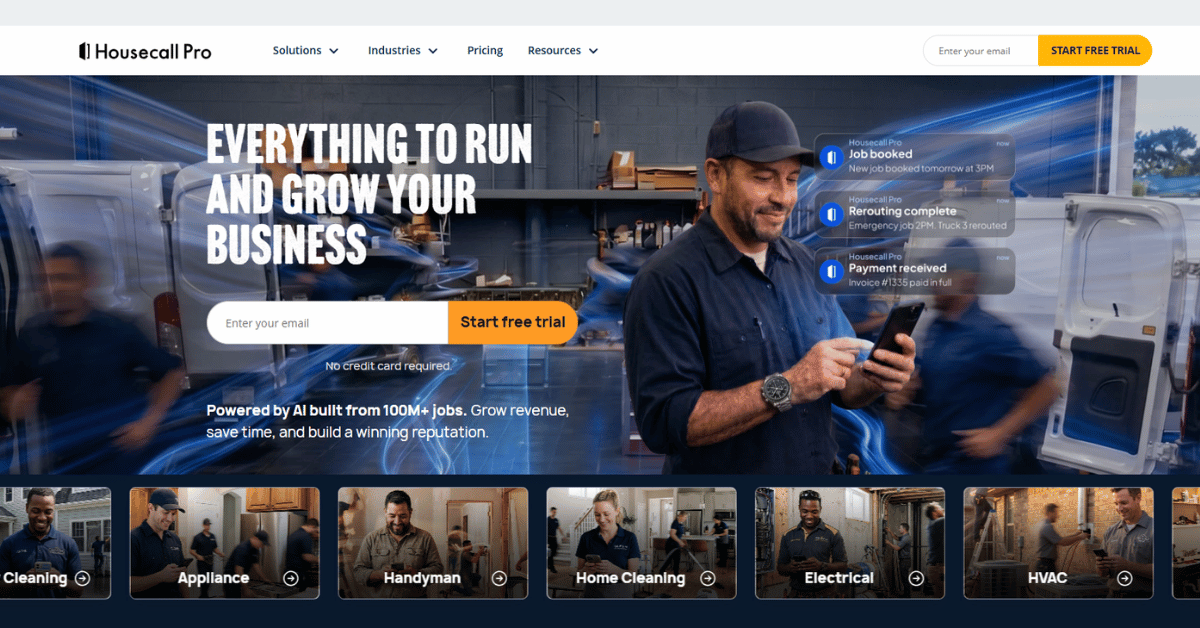
One System for Dispatch and Campaigns
Housecall Pro covers scheduling, dispatch, invoicing and marketing in the same account. Basic runs $59 a month billed annually for one user, and Max reaches $299 a month with eight users included. The tiers in between mostly add user seats.
Marketing lives in add-ons named Campaigns, CSR AI, Pipeline and Voice Solutions. The pricing page lists them without figures, so get the add-on cost in writing before you build a budget.
Every plan includes live phone and chat support plus English and Spanish coverage. For the HVAC marketing teams that run their own dispatch, that support line matters more than any template library.
- Scheduling and marketing behind one login
- Support included on every tier
- English and Spanish coverage
- Open API access on the Max plan
- Large user community to compare notes with
- Add-on marketing prices are not published
- Extra users cost $35 a month each
- Entry plan covers a single user
- Monthly billing costs more than annual
- Too much system for an office only firm
Housecall Pro in Practice
This is the pick for residential contractors who want one system to run the day and the follow up. It’s the wrong pick if all you want is to mail a list.
Field note: Price the add-ons before you sign. Plan tiers are published clearly, but marketing modules get quoted separately, and that gap is exactly where a monthly budget slips.
8) JobNimbus: Best for Roofing and Exterior Contractors

Key Highlights
- Pricing quoted on request, not published
- Third party estimates run $300 to $1,000 plus a month
- Engage module bundles text, email and caller ID
- Managed marketing services sold separately
- 14 day trial with no card required
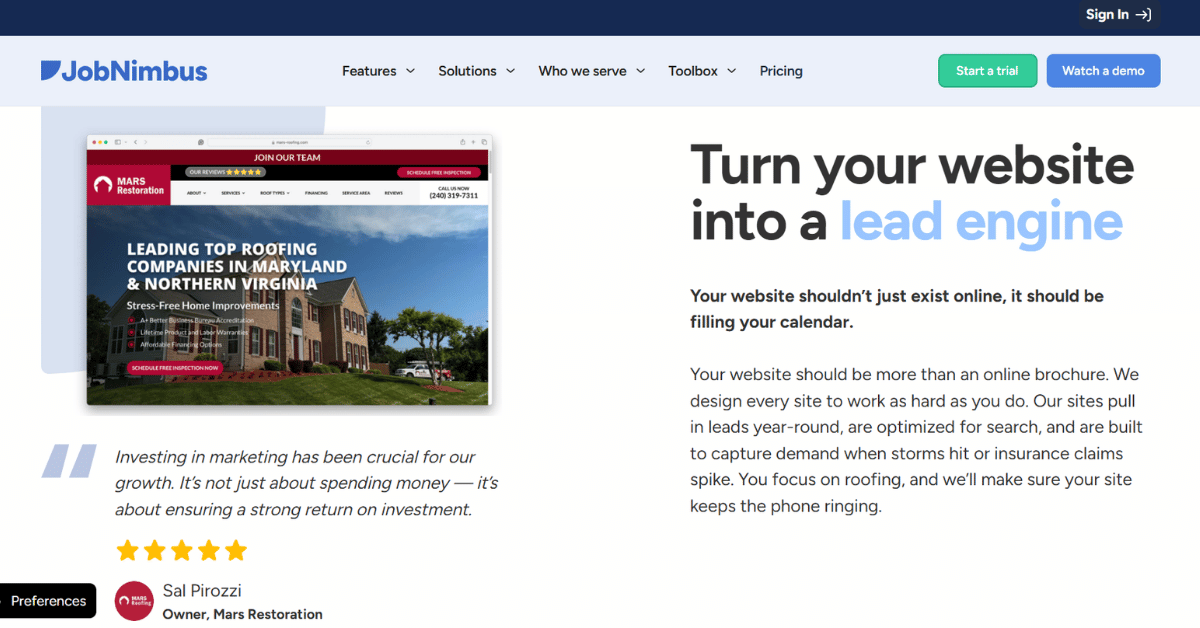
Built Around Roofing Workflows
JobNimbus doesn’t publish prices, and that’s the first thing to know. You request a quote, and third party reviews estimate $300 to $1,000 plus a month once users and add-ons are counted.
The Engage module is where email lives, bundled with text messaging and caller ID. It suits the pace of storm work, where a lead goes cold in a day.
The company also owns a managed marketing arm selling SEO and paid ads on top of the subscription. If you want roofing digital marketing handled outside your CRM vendor, keep those two budgets separate.
- Built for roofing and exterior trades
- Email, text and calls in one module
- Free trial without a card
- Strong mobile apps for crews
- Managed marketing available if wanted
- No published pricing to compare
- Third party cost estimates vary widely
- Add-ons push the monthly total up fast
- Marketing services billed on top
- Hard to evaluate before a sales conversation
Should Roofers Commit to JobNimbus?
Roofers already running JobNimbus should use Engage rather than bolt a separate email tool onto it. Everyone else should get the quote in writing first.
One caveat: Treat every dollar figure you find online as an estimate until the vendor quotes you directly. Published reviews disagree with each other, and none are confirmed by the company itself.
9) QuoteIQ: Best for Solo Contractors Automating Follow Up

Key Highlights
- Essentials from $29.99 a month with 500 IQ Credits
- Email and text automation tied to job status
- On the way texts, payment reminders, and review requests
- Two way QuickBooks sync
- AI receptionist covering after hours calls
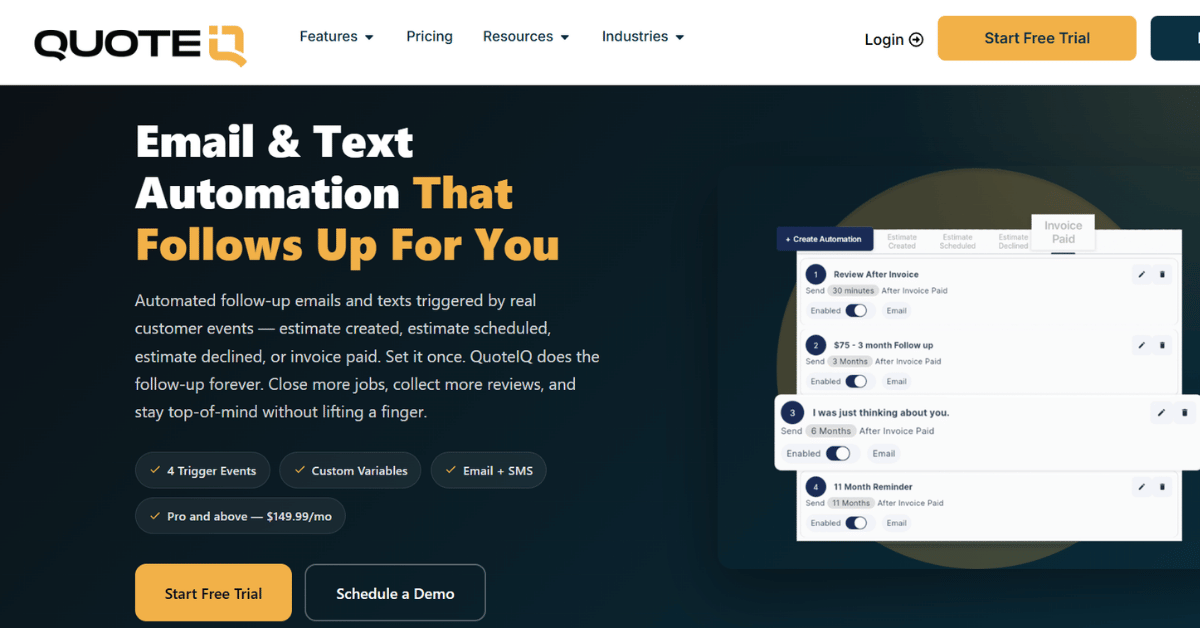
Follow Up That Runs Itself
QuoteIQ aims at the solo contractor and the two truck crew. Essentials costs $29.99 a month with 500 IQ Credits, and Pro at $149.99 a month covers four users and 3,000 credits. Higher tiers scale the user count and IQ Credit allowance up to unlimited.
Email and text automation is tied to job status rather than a calendar. On the way texts, payment reminders, drip campaigns and review requests all fire from where the job sits.
There’s a two way QuickBooks sync and an AI receptionist covering after hours calls. For electrician marketing on a one van budget, that combination replaces two or three separate subscriptions.
- Lowest entry price of the contractor tools
- Automations trigger from job status
- Two way QuickBooks sync included
- Review requests built in
- Consumer financing offered at checkout
- Credit limits apply on every tier
- Smaller review base than the older tools
- Trial requires a card up front
- Fewer integrations than general email tools
- Reporting is lighter than HubSpot or ActiveCampaign
The Verdict on QuoteIQ
For a solo operator, this is the cheapest way to stop forgetting follow ups. For a firm with a marketing coordinator, the reporting will feel thin within a year.
Our read: Start on Essentials and watch your credit burn for two billing cycles before upgrading. Credit allowance, not user count, is what pushes most small crews onto the next tier.
How Do You Set Up Construction Email Marketing Software Without Losing Your List?
Most contractor lists start life in a spreadsheet, a phone and three notebooks. Moving them into one tool without burning your sender reputation takes roughly two weeks of unglamorous work.
Getting Your Contact List Ready
Nobody enjoys this part, and it decides whether your first campaign lands. Across our projects, clean imports pull 25 to 30 percent open rates while messy ones sit closer to 8 percent.
The work is mostly deletion. Old bid contacts, bounced addresses and duplicate site managers all cost you deliverability, and none of them will ever hire you.
Clean Before You Import
Pull the list into a spreadsheet and sort by last contact date. Anything older than two years goes into a separate file you can revisit later, not into your new tool.
Then check for role addresses like info and office. They bounce more often and drag the whole sending domain down with them.
Split Homeowners From General Contractors
One list means one message, and that message fits nobody. A homeowner wants photos and a timeline, while a general contractor wants capacity and certifications.
Tag both groups during the import rather than months later. Every documented digital marketing strategy we write starts with that split, because it shapes every send after it.
Warming Up a New Sending Domain
A brand new sending domain carries no reputation, good or bad. Blast 4,000 addresses on day one and the inbox providers treat you like a stranger shouting.
The fix is boring and it works. Send small, send to people who already know you, and raise the volume over about three weeks.
Start With Recent Customers
Your first send should reach the 200 people most likely to open it. Recent customers, active clients and anyone who asked for a quote this season.
Their opens tell the inbox providers you’re wanted. That signal is what carries the next, larger send.
Watch the First Three Sends
Check bounces, spam complaints and opens after each one. Anything above a 2 percent bounce rate means the list still needs cleaning.
Fix it before you scale, not after. Firms that hand this to outsourced marketing support usually skip the painful restart that follows a blocked domain.
Where Does Construction Email Marketing Software Fit Beside Your Other Channels?
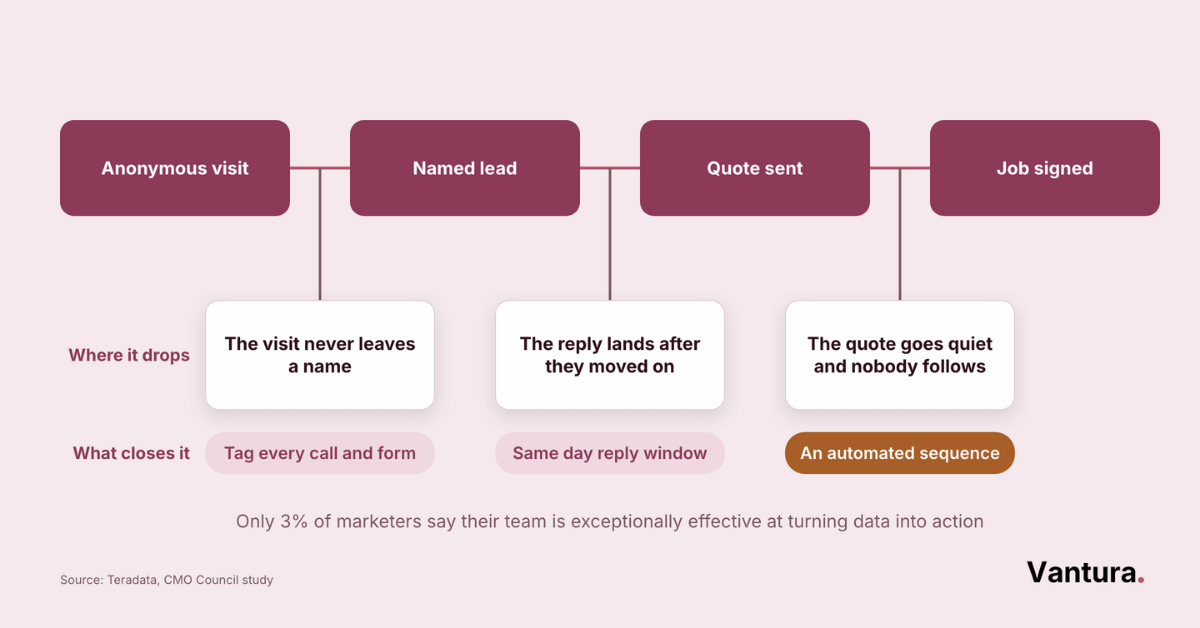
Email rarely wins a job on its own. It works because it keeps you in front of people who found you somewhere else and weren’t ready yet.
Running Email Alongside Search and Social
The firms getting the most out of email run two or three other channels beside it. In our experience, construction clients pairing email with search and reviews close noticeably more bids than the ones mailing in isolation.
In construction that usually means search, a local profile and email. An integrated digital marketing setup lets search find the lead while email holds it through a slow decision.
- Search brings the first visit
- Reviews settle the shortlist
- Email holds attention between quotes
- Social proves the work is real
- Text closes the scheduling gap
Pro tip: Send your campaign the same week a project photo set goes live on social. The two channels then carry one story instead of competing for attention on separate days.
Newsletters or Automated Sequences?
Almost every contractor asks which one to build first. The answer depends on whether your list is warm or cold, not on which one sounds more advanced.
Newsletters keep a warm list from forgetting you. Sequences do the work a salesperson can’t do at three in the morning.
Best for past customers and referral partners who already know your name. One send a month with project photos, a seasonal reminder and a single link is enough, and it costs about an hour to produce.
Best for new quote requests that go quiet after the first reply. Four emails over three weeks, triggered the day a quote goes out, recover jobs that would otherwise vanish without a word.
Three Numbers Worth Watching Every Month
Ignore the vanity metrics your tool puts at the top of the dashboard. Three numbers tell you whether the program is doing anything.
#1 Reply Rate
Opens have become unreliable, and replies have not. Mailchimp’s own benchmarks put the Business and Finance industry average at 31.35 percent open and 2.78 percent click, so a single open number tells you little on its own. Across our contractor campaigns, replies cluster around 2 to 3 percent on a warm list.
#2 Quote Requests From Email
Tag the source on every form you run. If email produces no requests within two months, either the list or the offer is wrong.
#3 Unsubscribes Per Send
A little churn is healthy and worth ignoring. Anything above 1 percent per send means you’re mailing too often. The real estate marketing teams we support watch this closely, since developer lists tend to be small.
Construction Email Marketing Software FAQ
Disclaimer: This article is provided for informational purposes only and is not business, financial or legal advice. Pricing, plan names and product features change often, so confirm current details with each vendor before buying. Vantura Marketing is an independent agency, and no vendor holds a stake in our business.